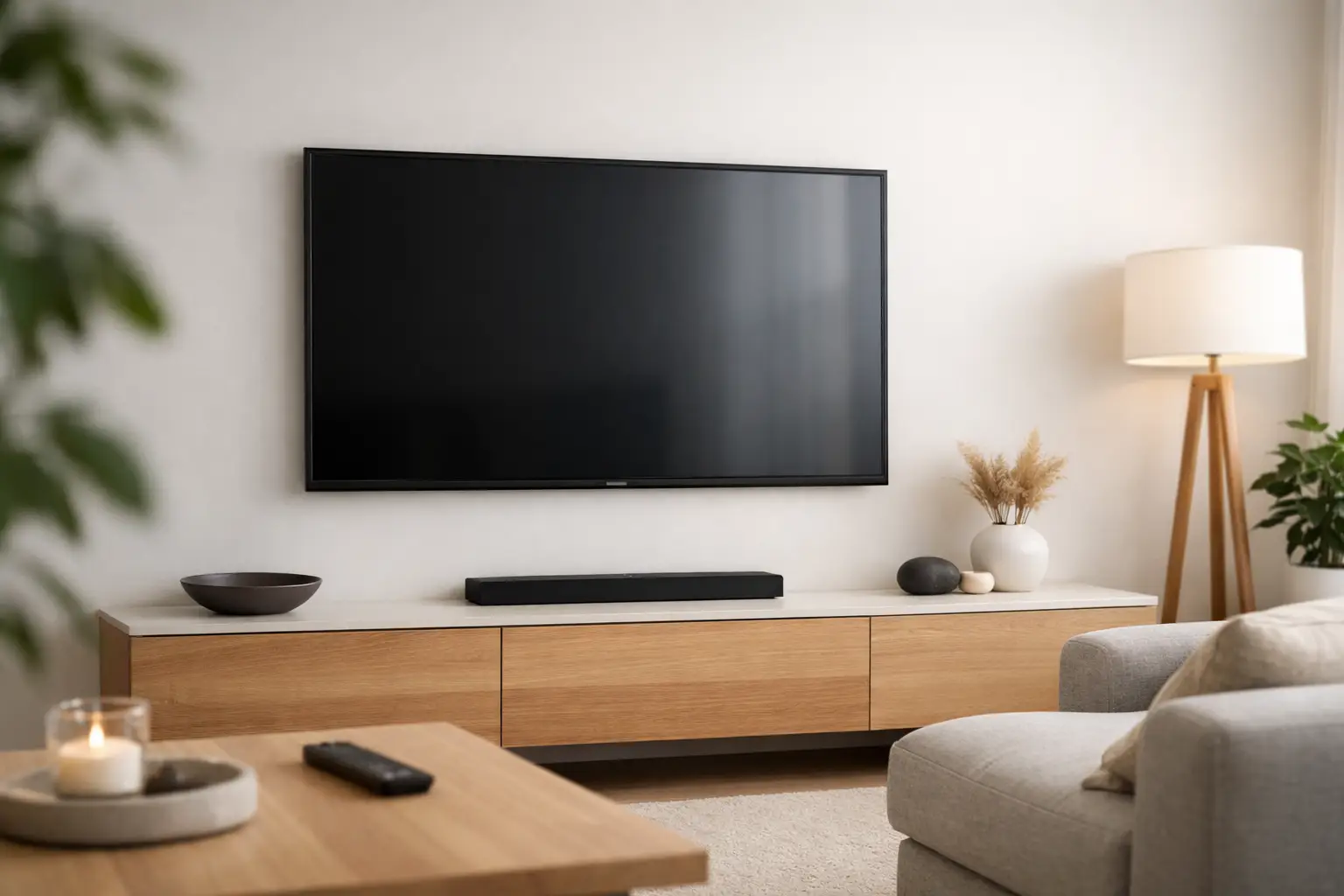
Concealed TV Cable Solutions for a Cleaner Room
A beautiful wall-mounted TV can lose much of its impact when a bundle of power cords, HDMI cables, and streaming-device wires hangs beneath it. Concealed TV cable solutions turn that cluttered setup into a clean, intentional entertainment space while protecting equipment, improving safety, and making the room easier to enjoy.
For Florida homeowners, this is often the finishing detail that separates a basic TV installation from a polished media-room, living-room, bedroom, or outdoor entertainment upgrade. The right approach depends on the wall construction, the equipment you use, where your components will live, and whether you may want to add audio, gaming, cameras, or new technology later.
Why Hidden TV Cables Make Such a Difference
A mounted TV should look like it belongs in the room, not like it was added as an afterthought. Visible wiring draws the eye away from the screen and competes with clean wall finishes, fireplaces, custom cabinetry, and carefully designed furniture. Hiding cables gives the display a more refined, built-in appearance without requiring a full renovation.
There are practical benefits, too. Loose cords are easier for children and pets to pull, easier to snag while cleaning, and harder to manage when devices need to be reset or replaced. A planned cable path keeps power and low-voltage wiring organized, labeled, and accessible where it matters.
The goal is not simply to make cords disappear. It is to create an installation that works reliably every day, supports your current equipment, and leaves room for sensible future upgrades.
Concealed TV Cable Solutions That Fit the Space
There is no single hidden-wire method that is right for every room. A professional installer evaluates the wall, the display location, nearby power, intended devices, and access points before recommending a solution.
In-Wall Power and Low-Voltage Cable Routing
For many wall-mounted TVs, the cleanest option is to route approved power and low-voltage cables inside the wall. A recessed power outlet is installed behind the TV, eliminating the visible power cord. HDMI, network, audio, control, and antenna cables can then be run through a separate low-voltage pathway to a cabinet, equipment closet, or media console.
Keeping power and signal cables in appropriate pathways matters. It supports a cleaner installation and helps prevent interference or code concerns. This work is especially valuable when a TV is mounted above a fireplace, where the cable route and heat exposure need extra attention.
In-wall routing is often ideal for finished rooms because it delivers the polished look most homeowners want. However, it depends on the wall cavity, studs, insulation, plumbing, electrical lines, and accessibility. Concrete block walls, common in many Florida homes, may require a different strategy than standard drywall over wood studs.
Recessed Media Boxes Behind the TV
A recessed media box creates a dedicated cavity behind the display for a power outlet, cable connections, and sometimes compact devices. It helps the TV sit closer to the wall and reduces the problem of bulky plugs pushing the screen forward.
This option works well when the TV needs a tidy connection point directly behind it. It can also simplify service later because installers have a controlled area for cable management rather than a crowded opening in the wall.
A media box is not always the best place for every device. Streaming sticks and small control components may fit, but larger cable boxes, game consoles, and AV receivers produce heat and need more space. Those components are usually better placed in ventilated cabinetry or an equipment location designed for them.
Conduit for Future-Proof Flexibility
Technology changes faster than walls do. A concealed conduit, sometimes called a raceway or cable chase, gives new cables a protected route through the wall without opening drywall every time equipment changes.
Conduit is a smart choice for homeowners who expect to upgrade their TV, add a soundbar, install wired networking, or move toward a more advanced theater system. It can make future HDMI or fiber upgrades far less disruptive. The larger and straighter the pathway, the more useful it tends to be over time.
Not every cable pulls easily through every conduit. Connector size, bends, and distance all matter. Planning the route before the wall is closed is the best-case scenario, but a skilled installer can often add a practical pathway in an existing room as well.
Surface-Mounted Cable Channels
When opening a wall is impractical, a paintable surface-mounted channel can be an attractive alternative. These slim covers guide wiring down the wall and can be color-matched to blend with the paint.
This approach is useful in condos, rentals, masonry walls, or spaces where in-wall access would be excessively invasive. It will not disappear as completely as an in-wall solution, but a properly selected and carefully installed channel looks far better than exposed loose cords.
Surface channels are also a sensible choice when time, budget, or building rules make wall modifications less appealing. The important difference is precision: a straight, well-fitted channel with neatly managed cables looks intentional. A generic plastic cover with excess wire stuffed inside does not.
Plan the Equipment Location Before Hiding Anything
The cables behind the TV are only part of the system. Before installation begins, decide where source devices and network equipment will go. A cable box, Apple TV, game console, Blu-ray player, receiver, or multi-room audio components need ventilation, power, network access, and a serviceable location.
A nearby media console may be all that is needed for a simple setup. For a more customized room, equipment can be placed in built-in cabinetry, a closet, or a centralized rack. Moving components away from the TV wall can make the room feel cleaner, but it may require longer HDMI runs, control solutions, or dedicated network wiring.
For higher-performance systems, wired network connections deserve serious consideration. Wi-Fi is convenient, but a hardwired connection can provide more consistent streaming, gaming, and smart-home performance, particularly in larger homes with multiple devices competing for bandwidth.
Soundbars, Speakers, and the Fireplace Question
A soundbar can improve dialogue and create a more satisfying viewing experience, but it needs to be included in the cable plan. The power connection, HDMI eARC cable, optical cable, or speaker wire should be concealed alongside the TV wiring whenever possible.
For surround sound or distributed audio, speaker wire can be routed through walls and ceilings to create a room that sounds impressive without filling it with visible cables. This is where planning pays off. Adding speakers after a TV install is possible, but the cleanest result comes from designing the display, audio, power, and control system together.
TVs above fireplaces require particular care. Beyond hiding wires, the installer should evaluate mounting height, heat, viewing comfort, mantel depth, and wall construction. A TV that is too high can cause neck strain, while heat from an active fireplace may affect electronics. Sometimes the best-looking location is not the best-performing one, and a good design balances both.
Avoid Shortcuts That Create Bigger Problems
Some DIY fixes can look acceptable for a few weeks but become frustrating later. Running a standard extension cord through a wall, for example, is not an appropriate substitute for a properly installed in-wall power solution. Overloading an outlet with adapters and power strips behind a TV can also create heat, access, and safety concerns.
Another common issue is choosing the shortest possible cable path with no allowance for movement or service. TVs may need to come off the mount, tilt, or extend. Cables need enough slack to support that movement without pulling on ports or becoming pinched.
It is also wise to avoid sealing every connection into an inaccessible wall cavity. Equipment fails, standards change, and homeowners replace devices. Thoughtful access points and labeled cables save time when service is needed.
What a Professional Installation Adds
Professional concealed TV cable solutions are about more than making cords invisible. They involve evaluating the wall, selecting the right mount, placing power correctly, managing cable paths, protecting the finish, and testing every connection before the job is complete.
Frequencies USA designs custom TV, audio, networking, and smart-technology installations that fit the room and the way each client uses it. Whether the goal is a single clean family-room TV or a fully integrated media space with hidden equipment and immersive sound, the finished system should be easy to operate and visually polished.
A free estimate is a practical first step when you are unsure what your walls can accommodate or which option best fits your budget. The best hidden-cable installation is the one you stop noticing because the room simply looks better, sounds better, and works exactly as it should.
 Previous Post
 Next Post