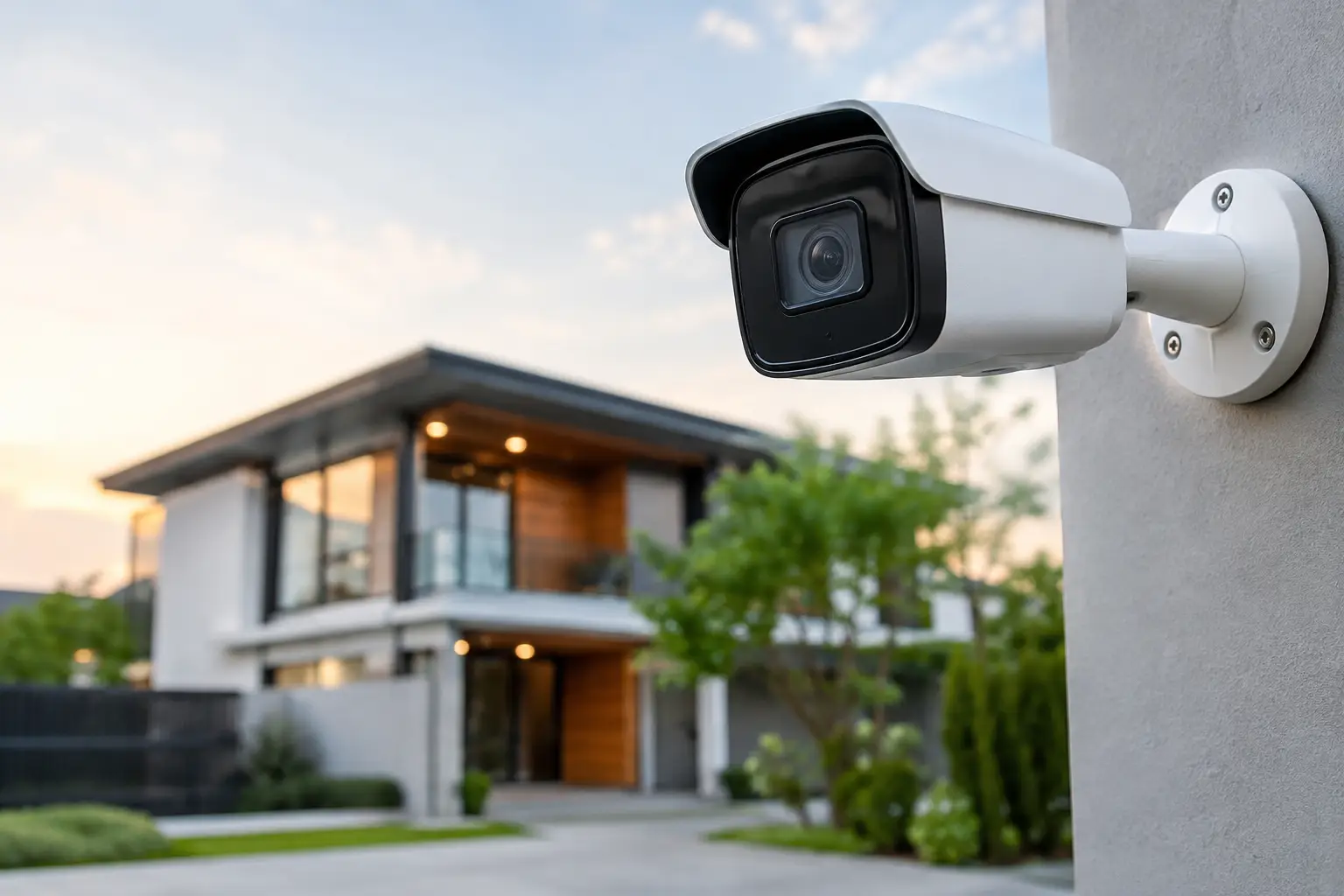
Camera Motion Settings That Improve Security
A security camera is only useful when it shows you what matters. Poor camera motion settings can turn a helpful system into a source of constant notifications from passing cars, palm fronds, pets, rain, and changing light. The right configuration gives you timely alerts for people, vehicles, and activity in the areas you actually need to protect.
For Florida homes and businesses, motion detection deserves more attention than it often gets. Bright sun, afternoon storms, landscaped yards, pool areas, busy streets, and wildlife all create movement. A professionally planned camera system accounts for those real-world conditions instead of relying on default settings.
Why Camera Motion Settings Matter
Motion settings determine when your cameras record, what events generate alerts, and how useful your footage will be when you need it. If sensitivity is too high, your phone can fill with meaningless alerts. If it is too low, a person approaching a side entrance may not trigger a recording until they are already close to the door.
The goal is not to capture every leaf that moves. It is to create dependable awareness without making you ignore alerts because there are too many of them.
Well-adjusted settings also help you find important video faster. Instead of scrubbing through hours of continuous footage, you can review events marked by a person entering a driveway, a vehicle stopping near a gate, or activity at a business entrance after closing.
Start With Camera Placement, Not Sensitivity
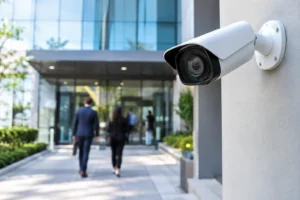
The best motion configuration begins before the settings screen. Camera placement affects detection more than many homeowners realize. A camera pointed straight down a driveway may struggle to identify a vehicle approaching directly toward it, especially at a distance. Motion detection is often more reliable when a person or vehicle moves across the camera’s field of view rather than directly at the lens.
Height matters as well. A camera installed too high can provide a broad overview but make faces, packages, and vehicle details harder to identify. One installed too low may be easier to tamper with or blocked by parked vehicles and landscaping. The right position balances coverage, usable detail, lighting, and clean visual integration with the property.
For example, a front-door camera should prioritize the walkway, porch, and approach to the entry. A driveway camera should cover vehicles entering and leaving while avoiding as much street traffic as possible. Around a pool or patio, the focus may be gates, access points, and doors leading outside rather than constant motion across the entire yard.
Use Motion Zones to Exclude Distractions
Motion zones let you tell a camera where activity matters. They are among the most effective ways to reduce false alerts.
Draw zones around key areas such as the front walk, driveway, side gate, loading area, storefront entry, or rear door. Exclude public streets when possible, along with areas containing moving trees, flags, fountains, air-conditioning equipment, or neighboring property.
A zone should not be overly tight. Leave enough room for the system to recognize movement before a person reaches the center of the frame. At the same time, do not cover the entire image just because the camera has a wide view. A broad zone may look thorough, but it usually creates unnecessary recordings and alerts.
At commercial properties, zones can be especially useful after business hours. You may want alerts from a service door, employee entrance, cash-handling area, or equipment yard, while ignoring normal movement in a nearby parking lot or public sidewalk during open hours.
Check Zones After Landscaping Changes
Florida landscaping grows quickly. A palm frond, hedge, or ornamental grass that was outside a detection zone during installation can eventually move into it. Seasonal decorations, parked RVs, patio furniture, and new signage can change a camera’s view, too.
Review motion zones whenever the environment changes. A few minutes of adjustment can prevent weeks of nuisance notifications.
Set Sensitivity With Real Conditions in Mind
Sensitivity controls how much movement is needed before the camera considers it an event. There is no single perfect number because a shaded front porch behaves differently from a sunny driveway or an outdoor business entrance.
Start in the middle range and test at the times that matter most. Walk through the area during daylight, after dark, and while exterior lights are on. If the camera misses an adult walking at a normal pace, increase sensitivity gradually. If it records every shadow or branch movement, lower it in small increments.
Avoid solving every false alert by dramatically reducing sensitivity. That can create a blind spot. Often, the better answer is refining the motion zone, repositioning a camera slightly, trimming vegetation, or using a smarter detection filter.
Choose Person and Vehicle Detection When Available
Many modern security cameras can distinguish between general motion and specific object types, such as people, vehicles, animals, or packages. These intelligent detection options can make a major difference in how manageable your system feels day to day.
For a home, person detection at doors, gates, and side yards is usually more useful than general motion alerts. Vehicle detection can be valuable for driveways and detached garages. At a business, vehicle alerts may help monitor delivery activity, parking access, or movement near a secured yard.
Smart detection is not magic. It depends on camera angle, image quality, lighting, distance, and the camera’s analytics. A person partially hidden by a vehicle or moving through a dark area may not be classified perfectly. That is why it is wise to combine smart filters with properly set zones and reliable lighting rather than treating any single feature as the whole solution.
Adjust Notification Schedules for Your Routine
Not every motion event deserves an immediate phone alert. Recording can remain active while notifications follow a schedule that fits your household or business.
At home, you might prefer alerts at night, while traveling, or during school and work hours. At a business, alerts may be most valuable after closing, on weekends, or when a restricted door should not be used. This approach preserves the event history without interrupting dinner, meetings, or time with family for routine activity.
Some systems also allow different rules for different cameras. Your front door may send alerts throughout the day, while a backyard camera only sends alerts overnight. That level of customization is what turns a collection of cameras into a practical security tool.
Do Not Ignore Lighting and Night Settings
Motion detection becomes less reliable when the scene is too dark, overexposed, or filled with glare. Exterior lighting can improve identification at night, but the fixture needs to be positioned carefully. Bright light shining into the lens can wash out a face or license plate rather than clarify it.
Infrared night vision works well in many situations, yet reflective surfaces such as glass, white soffits, and nearby walls can cause glare. Cameras behind windows are another common problem. The infrared LEDs can reflect off the glass, leaving a hazy image and reducing useful detection after dark.
For entries, driveways, and outdoor entertainment areas, thoughtful landscape or security lighting can support clearer video while making the property more welcoming and usable. The right balance improves security without making the exterior feel harsh or overly commercial.
Test Alerts Before You Rely on Them
After adjusting camera motion settings, test each important zone from the perspective of a real visitor or intruder. Walk up the driveway. Approach from the side yard. Open the gate. Have someone cross the frame at different speeds. Then review both the notification timing and the recorded clip.
Ask practical questions: Did the alert arrive quickly enough? Did the recording start before the person reached the door? Can you clearly recognize what happened? Are normal daily activities creating too many events? These answers are more valuable than simply seeing that the camera produced a notification.
If your system includes professional monitoring or shared access for family members, test those workflows too. An alert is only helpful if the right person can view it and act without confusion.
Get a Configuration Built for Your Property
Default settings are designed for broad compatibility, not for your specific driveway, gate, pool enclosure, storefront, or outdoor workspace. A customized installation considers coverage angles, Wi-Fi reliability, storage, nighttime visibility, alert preferences, and the finished appearance of the property.
Frequencies USA helps homeowners and businesses throughout the Tampa Bay area design camera systems that look clean, perform reliably, and remain easy to use after installation. From concealed wiring to practical motion settings, the focus is on security that supports your routine instead of disrupting it.
Your cameras should give you confidence when you are away and quiet when everything is normal. A thoughtful adjustment today can make the next important alert far easier to trust.
 Previous Post