Multiroom Entertainment System Guide for Florida Homes
A great entertainment setup should not stop at the living room door. With the right design, a multiroom entertainment system guide becomes a plan for better movie nights, music by the pool, game-day viewing in the patio area, and simple control throughout the home. The goal is not to fill every room with equipment. It is to give each space the sound, video, connectivity, and control that fits how your family actually lives.
For Florida homes, that often means thinking beyond an indoor media room. Open floor plans, covered lanais, pool decks, guest rooms, kitchens, and garages can all benefit from professionally planned entertainment technology. Done well, the finished system feels natural to use and nearly invisible to see.
What Is a Multiroom Entertainment System?
A multiroom entertainment system distributes audio, video, and control across more than one area of a home. Each zone can work independently or work together. You might watch a movie in the family room while someone listens to music in the kitchen, then play the same playlist indoors and outside when friends arrive.
The term can describe something simple, such as a few wireless speakers, or a complete installed system with centralized equipment, hidden wiring, TVs, architectural speakers, strong Wi-Fi, and one-touch controls. The right approach depends on the home, the construction details, and how much flexibility you want after installation.
A professionally designed system also considers the pieces people do not see: cable routes, network capacity, ventilation for equipment, power protection, and outdoor-rated hardware. These details have a major effect on reliability and the clean finish homeowners expect from a premium installation.
Start With the Rooms That Matter Most
It is easy to get excited about putting entertainment everywhere. A better starting point is to identify the rooms where it will make a real difference. For many households, that is the main living area, kitchen, primary bedroom, patio, pool area, and a dedicated media room or game room.
Think about what happens in each zone. The family room may need a larger TV, immersive surround sound, and easy access to streaming services. A kitchen usually benefits from clear background music that can be adjusted without stopping what is playing elsewhere. In a bedroom, discreet speakers or a soundbar may be more practical than a full theater system.
Outdoor zones require especially careful planning. Florida heat, humidity, rain, salt air near the coast, and direct sunlight affect both equipment selection and placement. A TV intended for a covered patio is not automatically suitable for a fully exposed pool deck. Outdoor speakers, mounting hardware, weather protection, and screen brightness should all match the conditions.
Decide What Should Play Together
One of the best features of multiroom audio is grouping. You can send the same music to the kitchen, living room, and patio for a party, then separate those areas again when everyone wants something different. This is convenient, but it also affects the system design.
If synchronized audio matters, choose components built to stay in time across rooms. Small delays between zones can be distracting when speakers are close together or when indoor and outdoor areas connect through open doors. Professional configuration helps prevent that echo effect.
Video works differently. Most homeowners want independent content in separate rooms, such as a football game on the patio and a movie inside. If you want to share a cable box, media player, security camera feed, or sports package across multiple TVs, include that requirement in the design from the beginning.
Build the System Around a Strong Network
Streaming video, high-resolution music, smart TVs, gaming consoles, security cameras, phones, tablets, and smart-home controls all rely on the network. Weak Wi-Fi can make a high-end entertainment system feel frustratingly ordinary.
A proper home network uses access points placed where coverage is needed, rather than expecting one router to cover every bedroom, outdoor area, and corner of the property. Wired network connections are often the best choice for stationary equipment such as TVs, streaming devices, gaming systems, and centralized audio components. They provide a more consistent connection and reduce congestion on Wi-Fi.
This matters in larger homes and in homes with concrete block walls, metal features, or challenging room layouts. It also matters outdoors. If music, TV streaming, cameras, or smart controls will be used by the pool or on a lanai, the wireless signal needs to be designed for that area rather than treated as an afterthought.
Choose Audio That Fits the Space
Speakers should support the room, not dominate it visually. In-ceiling speakers are a popular choice for kitchens, living areas, hallways, and covered patios because they provide even sound with little visual clutter. Outdoor landscape speakers can create fuller coverage around a pool or garden without forcing the volume high in one spot.
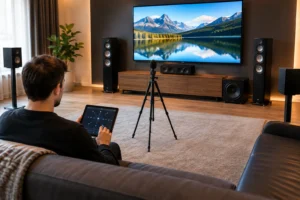
For focused movie and television viewing, surround sound or a carefully selected soundbar can be a better fit. A dedicated theater or media room can support deeper bass, more speaker channels, acoustic treatment, and theater-style seating. A casual family room may call for a simpler setup that still delivers strong dialogue and a satisfying soundtrack.
There are trade-offs. Invisible or in-ceiling speakers create a cleaner look, but they may not produce the same precise stereo imaging as freestanding speakers placed at ear level. Freestanding speakers can offer exceptional performance, but they require more floor space and can change the look of the room. A good design balances the listening experience with the way you want the home to feel.
Keep Video Flexible and Clean
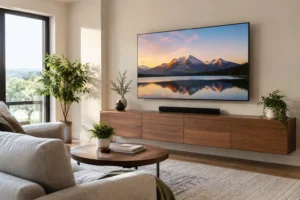
A multiroom system does not require a television in every room. It does mean that the TVs you do install can be positioned, connected, and controlled properly. Wall-mounted displays look their best when power, network, and signal wiring are concealed. The result is a polished viewing area without hanging cables, exposed boxes, or furniture rearranged just to hide equipment.
TV size should match viewing distance, room brightness, and the type of content you watch. Bigger is not always better if viewers sit too close or if the display overpowers the room. For bright Florida spaces, screen brightness and glare control deserve attention. Outdoor-rated displays are worth considering where weather exposure and daylight make a standard indoor TV a poor long-term choice.
A centralized video setup can reduce duplicate equipment and make sources available in more than one room. However, it can add cost and complexity. For some homes, independent streaming devices at each TV are the practical choice. For others, centralized distribution makes sense because it provides cleaner rooms, consistent access to sources, and easier future upgrades.
Make Control Easy for Everyone
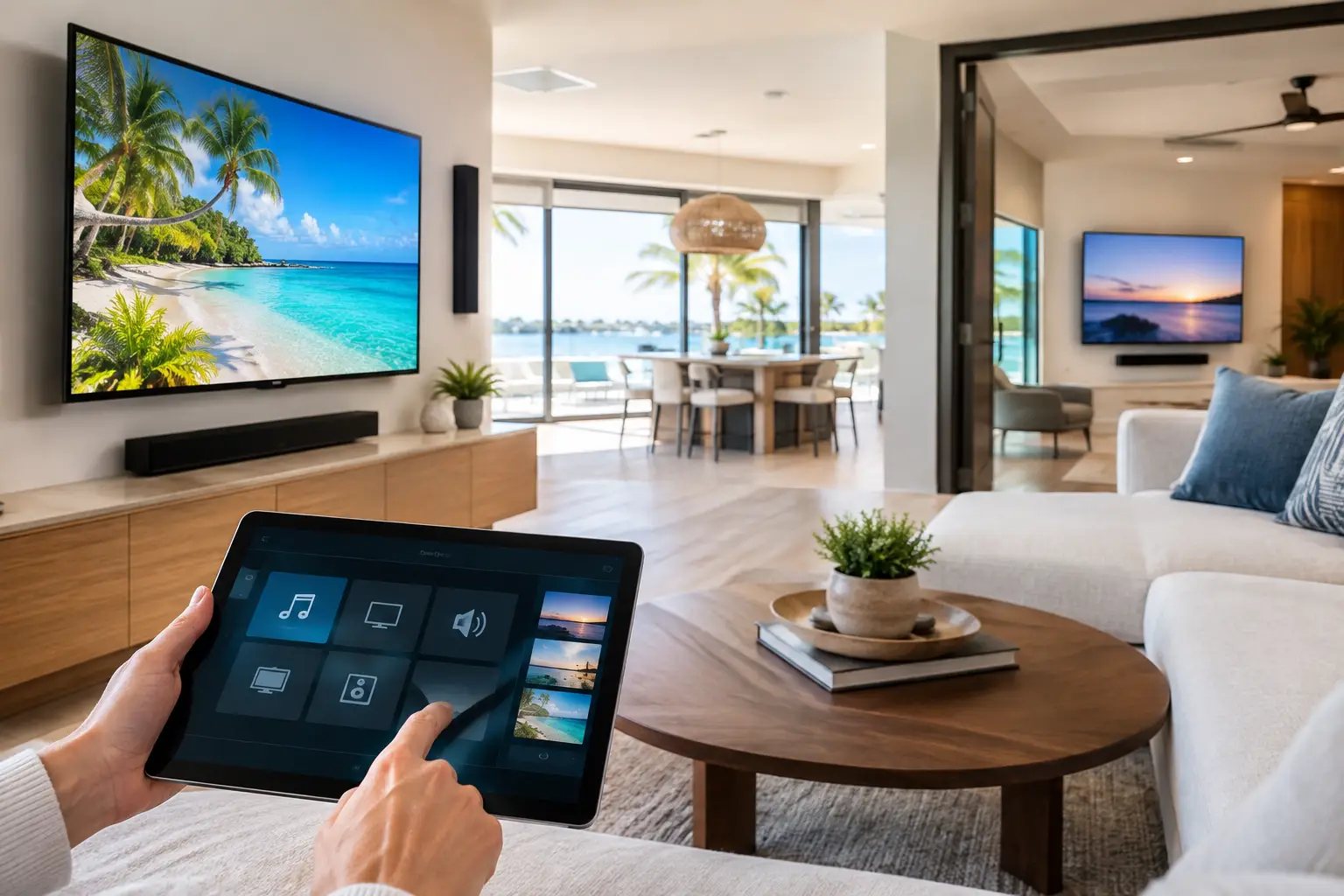
The most advanced equipment is only valuable if everyone in the house can use it. A good control plan gives you simple options: a handheld remote in the media room, a wall keypad near the patio door, a phone or tablet app, and possibly voice control for basic tasks.
Avoid building a system that requires multiple remotes or a specific person to explain it every time guests visit. A button labeled Watch TV should turn on the display, select the correct source, set the audio system, and adjust lighting if desired. A Music button should let you select rooms and volume without forcing you to navigate a stack of apps.
Smart lighting, shades, and security cameras can also complement the entertainment experience. A patio scene might turn on outdoor speakers, set the lighting level, and make camera views available on the nearby TV. The key is to automate useful routines, not add technology for its own sake.
Plan for Installation Before the Walls Close
New construction and renovations provide the best opportunity to install wiring where it belongs. Speaker cable, network wiring, conduit, TV connections, and power can be placed inside walls and ceilings before finishes are complete. Conduit is particularly valuable because it gives you a path for future cable upgrades without opening drywall later.
Existing homes can still achieve an exceptionally clean result. Experienced installers can use attic access, crawl spaces, low-profile channels, carefully chosen equipment locations, and wireless components where appropriate. The exact solution depends on the home, but visible wire clutter should not be accepted as inevitable.
Equipment also needs a home. A dedicated rack, closet, cabinet, or ventilated media enclosure keeps sources and networking gear organized, protected, and easier to service. It is a small planning decision that makes a big difference when the system grows over time.
A Multiroom Entertainment System Guide for Smart Spending
Set priorities before selecting equipment. Start with the areas you use most, the performance issues you want to solve, and the level of control you expect. Then create a plan that can expand later. It may make sense to prewire several rooms now while installing speakers and displays in only the highest-priority spaces.
Spend where daily use and reliability matter most: network infrastructure, proper wiring, quality mounting, weather-appropriate outdoor gear, and professional programming. These are the foundations that keep the system enjoyable long after the excitement of new equipment has faded.
Frequencies USA can help homeowners turn those priorities into a tailored design, whether the project is a single media room, whole-home audio, or an entertainment system that extends from the living room to the pool. A free estimate is a practical first step toward a home that looks refined, performs reliably, and is ready whenever the people you enjoy are in the room.
 Previous Post
 Next Post