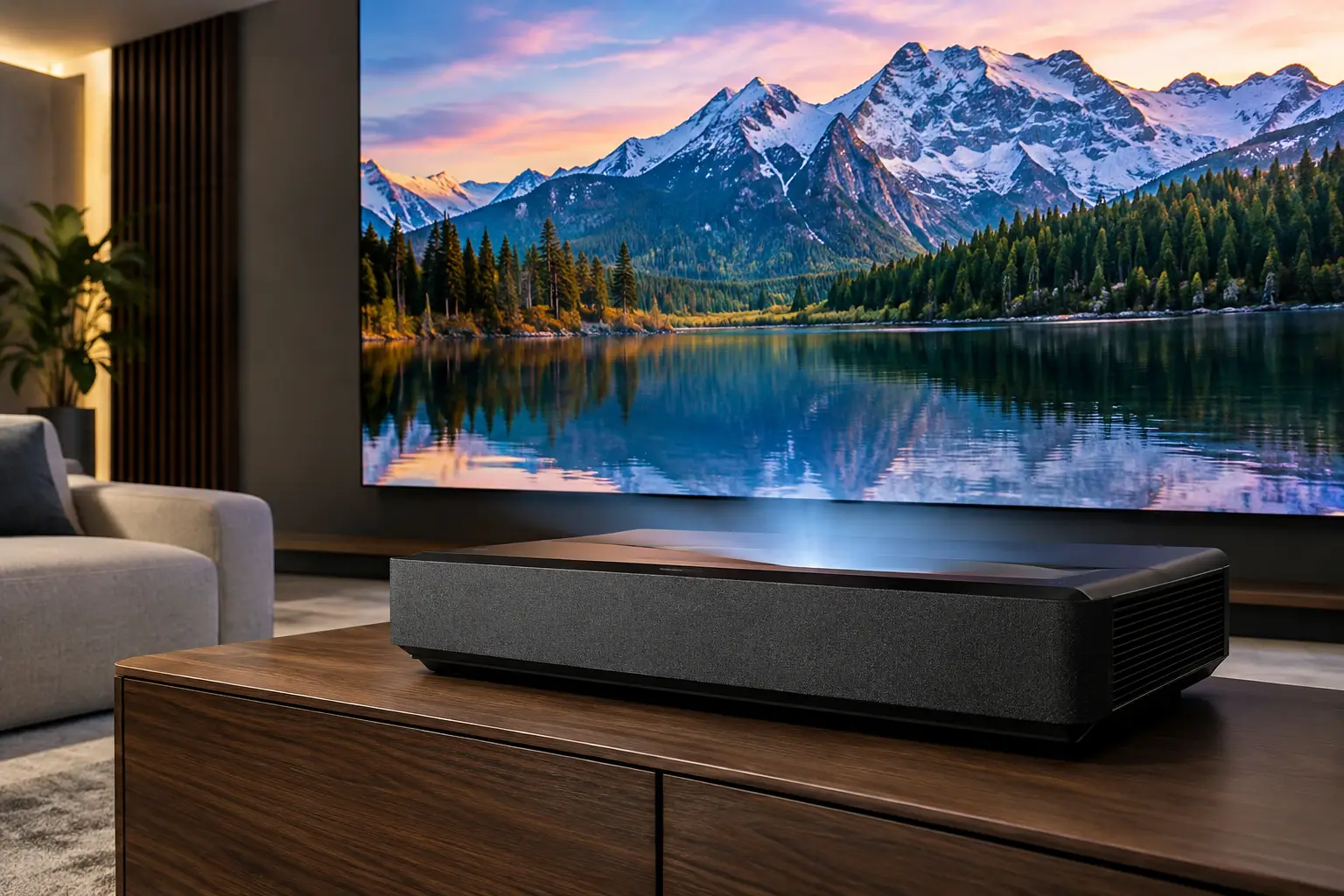
AWOL 4K 120Hz Laser Projectors for Home Theaters
A projector that can fill a 100-inch or 120-inch screen from inches away is an exciting proposition for a Florida media room, man cave, or dedicated theater. But shoppers researching AWOL 4K 120Hz laser projectors should slow down long enough to separate the big-screen promise from the signal specifications that actually matter. The right setup can create a polished, immersive room. The wrong screen, light conditions, or source equipment can leave an otherwise premium projector looking merely average.
AWOL is best known for ultra-short-throw laser projectors, commonly called UST projectors. These models sit on a low console directly below the screen rather than hanging from the ceiling across the room. That changes both the design possibilities and the installation requirements. For homeowners who want a clean, intentional theater without visible wiring or a projector mounted overhead, the format can be a strong fit.
What to Know About AWOL 4K 120Hz Laser Projectors
The phrase “4K 120Hz” deserves a closer look. It sounds straightforward: a projector displays 4K resolution at 120 frames per second. In practice, many projectors marketed to gamers accept a 120Hz signal at 1080p while displaying 4K content at 60Hz. That can still provide responsive, enjoyable gaming, but it is not the same as native 4K at 120Hz.
Before choosing a specific AWOL model, confirm its supported input resolutions and refresh rates for the exact source you plan to use. A PlayStation 5, Xbox Series X, gaming PC, Apple TV, and cable box do not place the same demands on a display. Also verify whether 120Hz support is available through every HDMI input, whether it requires a particular picture mode, and whether enabling it affects HDR settings, image processing, or audio routing.
This is not a reason to avoid a laser projector. It is a reason to buy based on how you will actually use the room. A household focused on movies, sports, and streaming may get far more value from excellent contrast, accurate color, quiet operation, and a properly matched screen than from a specification that only matters during fast-paced competitive gaming.
4K is more than a number on the box
A large projected image makes details easy to see, including details you may not want to see. Compression in streaming content, poor calibration, glare on the screen, and weak source devices become more obvious at 120 inches. A well-designed system accounts for the whole chain: the content source, HDMI cabling, projector, screen, sound system, network, and room lighting.
Laser light engines offer practical advantages for homeowners. They start quickly, maintain brightness well over time, and avoid routine lamp replacements. Many UST models also offer enough brightness to work in rooms that are not completely dark. Still, “bright enough for daytime viewing” does not mean direct sun will disappear. Light control remains one of the biggest factors in image quality.
The Screen Often Determines the Result
An ultra-short-throw projector is not simply a television replacement that happens to be larger. Its light reaches the screen at an extremely steep angle, which means screen material matters much more than it does with many traditional projectors.
For a room with windows, overhead lights, or an open floor plan, an ambient-light-rejecting screen designed specifically for UST projectors can dramatically improve perceived contrast. It is engineered to reject light coming from above and around the room while reflecting the projector’s light toward viewers. A standard white screen may cost less, but it can wash out the picture in a bright living area.
The trade-off is that UST ambient-light-rejecting screens require careful installation. A wall that is slightly uneven, a screen frame that is not perfectly level, or a console that shifts after setup can make the image geometry look off. Because the projector sits so close to the screen, even a small physical adjustment can change the picture noticeably.
For that reason, we recommend choosing the screen and projector together rather than treating the screen as an afterthought. The screen size should fit the seating distance, wall space, and viewing habits of the household. Bigger is not always better if the front row is too close or if sports and casual TV are the primary use.
Plan the Room Before Selecting the Projector
A UST projector can be the visual centerpiece of a beautiful entertainment space, but the room still needs a practical plan. Start with the wall where the screen will live. It should be free of artwork, vents, and architectural details that interfere with a flush screen installation. Consider where the equipment console will sit and how power, network, HDMI connections, and speaker wiring will be concealed.
In many Florida homes, the room also has to serve more than one purpose. It may be a family room during the day, a movie space at night, and a gathering spot on game day. That is where automated shades, dimmable lighting, and thoughtfully placed speakers make a major difference. A projector can deliver the image, but the surrounding system determines whether the room feels easy to use.
Light-colored walls and glossy ceilings can reflect light back onto the screen, reducing contrast. Dark paint and darker furnishings help in a dedicated theater, but they are not always realistic in a shared living room. Window treatments and screen selection are often the better answer. The goal is not to make every room blacked out. It is to create the best image possible without compromising how the space needs to function.
Sound Should Match the Size of the Picture
A 100-inch image deserves more than television-level sound. Some UST projectors include built-in speakers that are suitable for everyday viewing, but they rarely create the depth, clarity, or impact that makes movies and concerts memorable.
A surround sound system, soundbar with properly planned connections, or discreet in-wall and in-ceiling speaker system can make a projector installation feel complete. The best choice depends on the room and the desired level of immersion. A dedicated theater may benefit from a full surround layout and subwoofer. A family room may call for a cleaner solution that delivers strong dialogue and fills the space without adding visible equipment.
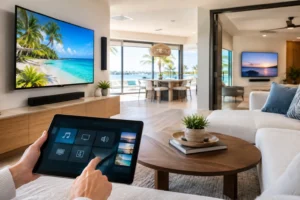
Audio planning also prevents frustrating control issues. When the projector, streaming devices, gaming console, receiver, and speakers are installed as separate pieces, one family member may need three remotes just to watch a show. A professionally integrated control solution keeps power, inputs, volume, and lighting simple enough for everyone to use.
Gaming at 120Hz: When It Is Worth Prioritizing
High refresh rate gaming is most valuable for players who care about motion clarity and quick response in titles such as racing, sports, shooters, and competitive online games. If that is the main purpose of the room, ask about measured input lag in the projector’s game mode, not only its advertised refresh rate. Low lag has a direct effect on how responsive gameplay feels.
For casual console gaming, a large 4K image at 60Hz can still be outstanding. The sense of scale is hard to match, especially for co-op games, sports games, and cinematic single-player titles. In those cases, spending the budget on a better screen, reliable HDMI infrastructure, and room lighting may deliver a more noticeable improvement than chasing a 120Hz specification.
Gamers should also consider screen size honestly. Sitting very close to a massive screen can be thrilling, but it may make fast competitive play tiring. A carefully selected 100-inch screen can be more comfortable and more versatile than stretching the room to accommodate 120 inches.
Professional Installation Protects the Investment
Ultra-short-throw projectors reward precision. The screen must be level, the projector must be positioned at the manufacturer’s specified distance, and cables should be routed before final calibration. Digital correction tools can help with minor adjustments, but relying heavily on keystone correction can reduce image quality. Physical alignment is always the better starting point.
A professional installation also addresses the details that are easy to miss during a DIY setup: a properly located outlet, hidden low-voltage wiring, stable mounting, HDMI bandwidth for the intended sources, ventilation, network reliability, and audio synchronization. The finished room should look refined, not like a temporary collection of cords and components.
For homeowners in the Tampa Bay area, Frequencies USA can design the projector, screen, audio, lighting, and control system around the way the room will actually be used. A free estimate provides a practical starting point, whether you are building a dedicated theater or upgrading a shared living space.
The best projector choice is the one that fits your room, your content, and your expectations after the excitement of the first movie night wears off. Confirm the real 4K and 120Hz capabilities you need, give the screen the attention it deserves, and build the system around a room your family will want to use every day.
 Previous Post
 Next Post