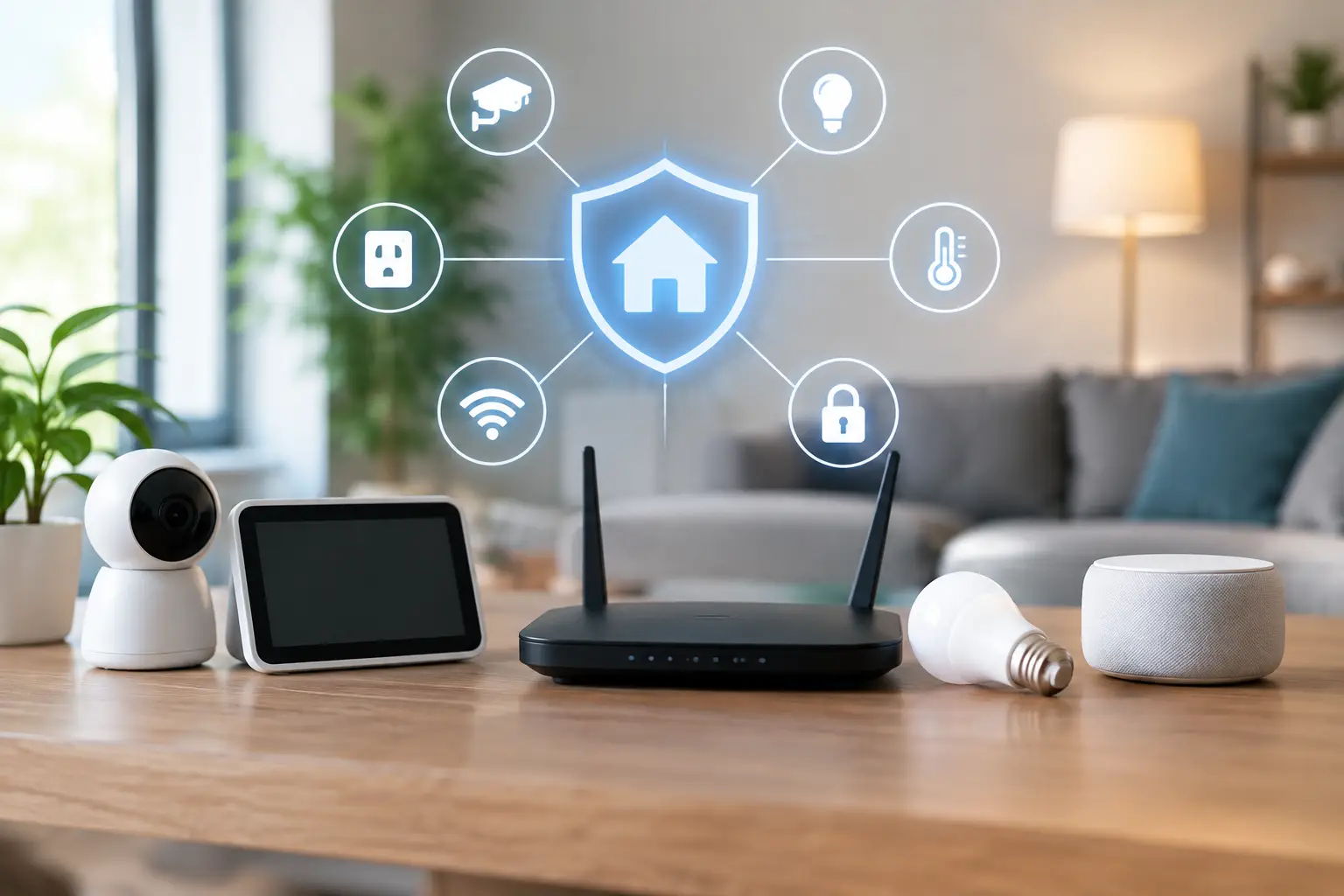
Secure Smart Home Networks Without the Hassle
Your front door, security cameras, TVs, outdoor speakers, thermostat, and pool controls may all share one connection. Secure smart home networks keep those conveniences from becoming easy entry points for strangers, malware, or unwanted access. The goal is not to make your home difficult to use. It is to build a system that feels effortless for your family while quietly protecting the devices and information behind it.
For Florida homeowners, reliable connectivity has another layer of value. A network may support cameras during a storm, remote access while traveling, entertainment by the pool, and work-from-home devices all at once. When the network is designed as part of the home instead of treated as an afterthought, security and performance improve together.
Why a Smart Home Needs More Than a Password
A strong Wi-Fi password is a good start, but it is not a complete security plan. Smart homes can include dozens of connected devices, and every device has its own software, settings, and possible weak point. A bargain smart plug with outdated firmware does not need the same level of access as a laptop containing financial records or a security camera recording your property.
The common problem is that everything is placed on one flat network. In that setup, a compromised device may be able to see or communicate with other devices it does not need to access. It can also create frustrating performance issues when video calls, streaming, cameras, and automation systems compete for the same wireless capacity.
A better approach separates the home into sensible zones. Your primary devices can live on a protected network, while smart home equipment operates on its own segment. Visitors receive a separate guest connection. This design limits unnecessary communication without making daily use complicated.
The Foundation of Secure Smart Home Networks
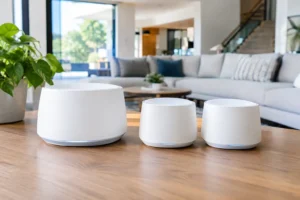
The best security choices begin before devices are installed. A professional network plan accounts for the size of the home, wall construction, outdoor areas, wired equipment locations, and the number of connected devices expected now and later. A mesh system can be an excellent choice for broad coverage, but placement matters more than simply adding extra access points.
Start With Quality Network Hardware
The internet provider’s all-in-one gateway is often adequate for a small setup, but it may struggle when a property has cameras, multiple TVs, distributed audio, work devices, and smart controls. A dedicated router, professionally placed wireless access points, and managed network equipment give the system more control and room to grow.
Managed equipment lets an installer create separate network segments, monitor performance, and identify where a problem is coming from. That matters when a camera drops offline or the patio TV starts buffering. Instead of guessing, the system can be diagnosed at the network level.
Whenever possible, fixed devices should be hardwired. Security cameras, media servers, streaming hubs, desktop computers, and access points are more stable on Ethernet than Wi-Fi. Concealed low-voltage wiring keeps the finished space clean while reducing wireless congestion. This is especially valuable in home theaters, outdoor entertainment areas, and larger Florida homes where concrete block, tile, and metal features can weaken wireless signals.
Create Separate Spaces for People and Devices
Network segmentation sounds technical, but the idea is straightforward. Your household phones, computers, and tablets should not have the same unrestricted access as every smart bulb, appliance, or guest phone.
A well-designed setup commonly includes a primary network for trusted personal devices, an isolated network for smart home equipment, and a guest network for visitors. Cameras and network video recorders may receive a dedicated segment as well, depending on the system. The exact setup depends on the equipment and how you want to control it. Some smart devices need permission to communicate with a controller or phone app, so separation must be planned carefully rather than applied blindly.
This is where professional configuration earns its value. The objective is not to block features you paid for. It is to allow only the connections that are necessary for the system to work.
Use Modern Encryption and Strong Credentials
Use WPA3 security when your hardware supports it. WPA2 remains common and can still be secure when configured properly, but older encryption standards should be avoided. Disable WPS, which can offer convenience at the expense of protection, and change the default administrator login on every router, camera recorder, and smart hub.
Passwords should be long and unique, particularly for router administration and camera accounts. A password manager makes this much easier than trying to remember a different phrase for every device. Enable multi-factor authentication on manufacturer accounts whenever it is available.
Do not overlook the account connected to your internet provider or email address. Those accounts can be just as valuable to an attacker as the Wi-Fi password because they may be used for password resets and remote administration.
Protect Cameras, Doorbells, and Remote Access
Security cameras are often the most sensitive devices in a smart home. They can capture video of entrances, vehicles, family routines, and private outdoor spaces. Choose reputable equipment with a clear update policy and secure account controls. Avoid exposing a camera or recorder directly to the public internet merely to make remote viewing work.
Remote access should be configured through the manufacturer’s secure service, a properly configured VPN, or a professionally managed solution. Each option involves a trade-off. Cloud access is generally simple and convenient, but it may rely on an ongoing service and the vendor’s account security. Local recording gives homeowners more direct control and can continue recording during an internet outage, but it requires properly maintained equipment and safe remote access settings.
For many properties, a hybrid approach works well: local recording for dependable storage and carefully secured remote viewing when you are away. Regularly check which family members and devices have access. Remove old user accounts after a tenant, employee, contractor, or former household member no longer needs entry.
Updates Are Part of Home Maintenance
Connected technology is not a set-it-and-forget-it project. Routers, cameras, smart TVs, receivers, and automation hubs receive updates that fix bugs and security issues. The challenge is balancing protection with reliability. Automatic updates can be helpful for simple devices, while more complex systems may be better updated during a planned maintenance window so an unexpected change does not interrupt a movie night or whole-home audio system.
At minimum, review equipment a few times each year. Confirm that router firmware is current, remove devices you no longer own, check camera storage health, and look for unfamiliar devices on the network. If a device no longer receives security updates from its manufacturer, replacement is usually the safer choice.
Power protection also belongs in the conversation. A quality surge protector or battery backup can protect network equipment from outages and power fluctuations. It will not replace a generator, but it can keep critical networking and camera equipment operating long enough to ride through a short interruption or shut down properly.
Avoid the Convenient Mistakes
Most network problems are not caused by sophisticated attacks. They come from a few easy-to-miss decisions: leaving factory passwords in place, connecting every device to the same Wi-Fi name, buying unsupported devices, or allowing remote access without reviewing the settings.
Another common mistake is prioritizing price over long-term support. The least expensive smart device may work on day one, but a product without dependable firmware updates or manufacturer support can become a liability. It is often worth choosing fewer, better-integrated devices over a collection of apps and accessories that do not work well together.
Privacy deserves the same attention as security. Before installing microphones, cameras, video doorbells, or voice assistants, decide where they genuinely add value. Position cameras to monitor your property without unnecessarily recording neighbors’ private areas. Review cloud recording settings and notifications so the system provides useful awareness instead of constant noise.
When Professional Design Makes Sense
A basic apartment setup may only need a good router and careful password management. A larger home with multiple access points, exterior cameras, smart locks, AV equipment, and outdoor coverage benefits from a coordinated design. That is particularly true when walls, wiring paths, landscaping, and clean aesthetics are part of the project.
Frequencies USA can design connectivity, entertainment, and security systems as one organized installation, with properly placed equipment and concealed wiring where possible. The result is a home that is easier to control, better protected, and far less likely to suffer from dead zones or a tangle of visible cables.
The most comfortable smart home is not the one with the most devices. It is the one where every device has a purpose, every connection is intentional, and your technology stays in the background until you need it.
 Previous Post