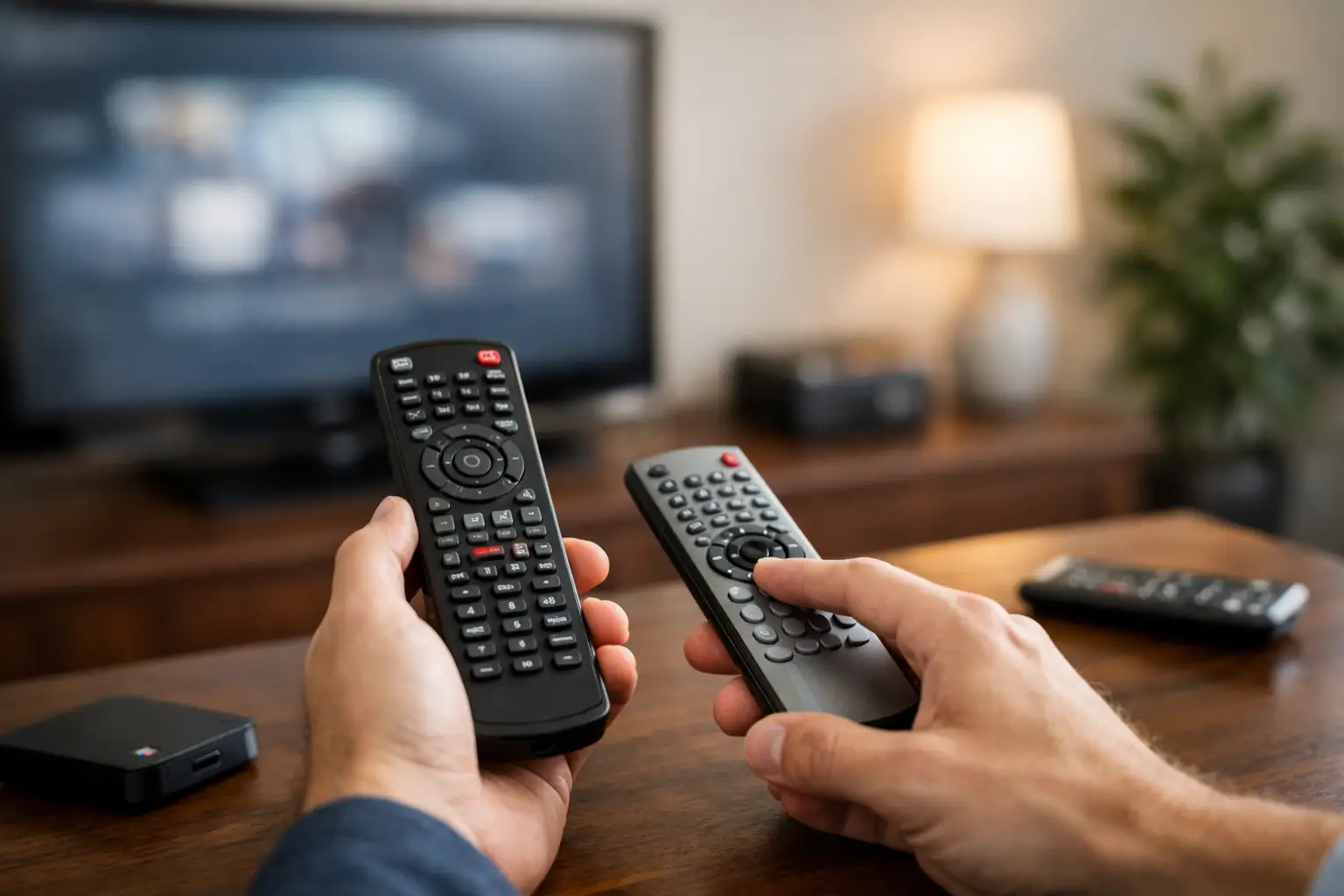
How to Program a Universal Remote Correctly
A universal remote should remove friction from movie night, not add another device that sits unused in a drawer. Learning how to program universal remote controls is usually straightforward when you start with the right information, use fresh batteries, and choose the setup method that matches your equipment. The result is simple control of your TV, sound system, cable box, streaming device, and more from one comfortable, familiar remote.
Before You Program a Universal Remote
Start by identifying every device you want the remote to control. Most universal remotes can handle a television, cable or satellite receiver, Blu-ray player, soundbar, AV receiver, or streaming device. Compatibility varies by remote model, especially with newer smart TVs and network-connected equipment, so check the remote’s manual or setup guide before assuming every component can be added.
Have the brand names and model numbers nearby. The television’s model is typically on the back panel or in its settings menu. For audio equipment, check the label on the receiver or soundbar. This small step saves time because setup codes are organized by manufacturer and, in some cases, by device model.
Install fresh batteries before beginning. Weak batteries can cause incomplete programming or make it appear that a code has failed when the remote simply is not transmitting consistently. Keep the remote pointed directly at the device during setup, with no furniture, cabinet door, or soundbar blocking the signal receiver.
How to Program a Universal Remote With a Code
Code entry is usually the quickest and most reliable option. Your universal remote’s manual, packaging, or manufacturer support page should include a list of codes by device type and brand. Some remotes also display codes on screen during their setup process.
Turn on the device you want to control, such as your TV. Then press and hold the setup button until the remote’s indicator light remains on. On some models, you may press a device key first – TV, AUX, CBL, or AUDIO – and then hold Setup. Enter the first code listed for your device brand. The light may blink, turn off, or flash twice to confirm it accepted the code.
Test the remote immediately. Begin with the power button, then try volume, mute, channel navigation, input selection, and menu controls. A remote that turns the TV on and off but cannot adjust volume is only partially programmed. Try the next code listed for that brand until the essential commands work correctly.
Different codes can control different features, even for the same television. This is why it is worth testing more than power. For a living room system, confirm that you can switch between cable, streaming, gaming, and other inputs without reaching for the original TV remote.
Save the Working Code
Once you find a code that works, write it down and keep it with the remote manual. If batteries are removed for an extended period or the remote is reset, you will be able to restore control quickly. This is especially useful in guest rooms, vacation homes, conference rooms, and family spaces where multiple people use the system.
Use Auto-Search When You Do Not Have the Code
If your device brand is not listed or none of the supplied codes work, use the remote’s auto-search or code-search feature. This method cycles through the remote’s built-in database until it finds a signal that operates your device. It takes longer than entering a code, but it is often effective for older equipment or less common brands.
Turn the device on and activate the remote’s code-search mode according to its instructions. Then press the power button, or in some cases the channel-up button, repeatedly and slowly. Each press sends a different command. When the device turns off, stop right away and save or confirm the current code as directed by the remote.
The key is patience. Pressing too quickly can cause you to skip over the working code. If you accidentally pass it, turn the device back on and repeat the search. After saving the code, test the same functions you would after manual code entry: power, volume, inputs, menus, playback, and navigation.
Auto-search can find a code that handles basic commands while missing advanced functions. If that happens, try another code for the same manufacturer or use the original remote for features the universal model cannot support. Not every universal remote can replicate voice controls, dedicated app buttons, custom picture settings, or advanced receiver menus.
Pairing Modern Smart and Bluetooth Remotes
Traditional universal remotes use infrared signals, which require a clear path to the device. Many modern smart remotes use Bluetooth, radio frequency, Wi-Fi, or a combination of technologies. These models may pair through the TV’s settings menu rather than through a numeric code.
For a smart TV remote, open the television’s Settings menu and look for Remote and Accessories, Controllers, Bluetooth Devices, or a similarly named option. Put the remote into pairing mode, usually by holding two designated buttons until an LED flashes. Select the remote when it appears on screen and follow the prompts.
This approach has real advantages. Bluetooth control can work without pointing directly at the television, which is helpful when equipment is tucked into a clean media cabinet. The trade-off is that pairing steps vary more widely between brands, and Bluetooth remotes may still need infrared control for older components such as an AV receiver or cable box.
Some systems use a hub or base station to control equipment inside closed cabinetry. That can be a smart solution when you want concealed wiring and a polished room design without sacrificing easy access to every source. It also reduces the familiar frustration of opening a cabinet door just to turn on a receiver.
Fix Common Universal Remote Setup Problems
When programming fails, the problem is often simple. Check the batteries and make sure you selected the correct device mode before entering a code. A remote can appear unresponsive if it is still set to CBL or AUX when you are trying to operate the TV.
If only some buttons work, test alternate codes for the same manufacturer. If volume changes the television speakers but not your soundbar, the issue may be programming rather than a bad remote. Many universal remotes allow volume punch-through, which assigns the volume buttons to one component – usually a receiver or soundbar – no matter which device mode is selected.
If the TV changes inputs on its own, turns off unexpectedly, or responds to the wrong commands, clear the programmed device and start over. Make sure you are programming the intended device button. In multi-device rooms, labeling the remote’s activities or favorite buttons can prevent accidental changes later.
Also consider placement. Infrared equipment hidden behind solid cabinet doors, crowded shelving, or decorative panels may not receive a reliable signal. An IR repeater, hub-based remote, or professionally designed control system can solve this without compromising the clean appearance of the room.
When One Universal Remote Is Not Enough
A basic universal remote is an excellent solution for a straightforward TV and soundbar setup. It becomes less practical as the room adds multiple streaming sources, an AV receiver, motorized shades, lighting scenes, outdoor audio, or several display zones. At that point, a remote that merely turns devices on and off may still leave the household juggling inputs and troubleshooting connections.
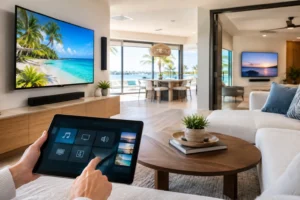
A professionally integrated control system organizes those actions into simple choices, such as Watch TV, Movie Night, or Listen Outside. One command can power the right components, select the correct inputs, set an appropriate volume level, and control compatible lighting. The goal is not more technology for its own sake. It is technology that feels natural for everyone in the home.
For homeowners in the Tampa Bay area with a media room, outdoor entertainment zone, or a cabinet full of components, Frequencies USA can design control around the way the space is actually used. That includes clean equipment placement, concealed wiring, reliable connectivity, and easy daily operation rather than a collection of remotes and workarounds.
A properly programmed universal remote is a meaningful first upgrade: keep the working code, test every function you use, and do not settle for a setup that only works halfway. If the room has outgrown one remote, the right control system should make the experience feel easier from the first button press.
 Previous Post
 Next Post