Business WiFi Network Guide for Better Coverage
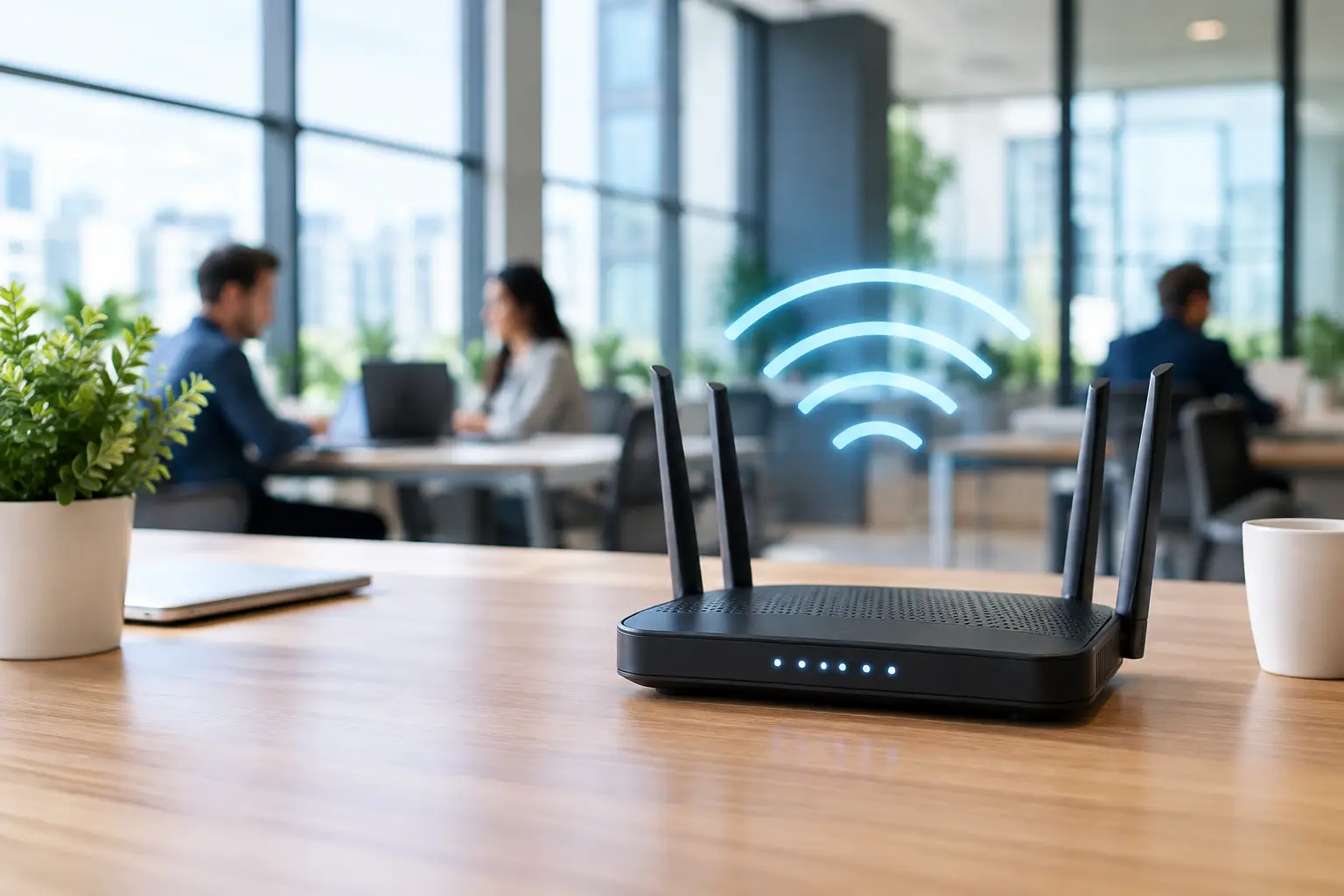
A dropped video call at the front desk, a card terminal that hesitates during a sale, or security cameras that go offline after a busy lunch rush can all point to the same issue: WiFi that was never designed for the way your business operates. This business WiFi network guide will help you understand what a professional network should do, where common setups fail, and how to plan a system that supports your team, guests, and connected equipment.
For a small or mid-sized business, WiFi is no longer a convenience sitting in a closet. It is part of the daily operating environment. It supports point-of-sale systems, staff laptops, tablets, music, displays, cameras, guest devices, smart lighting, and more. When it works well, nobody thinks about it. When it does not, every part of the customer experience can feel slower and less polished.
A Business WiFi Network Guide Starts With the Space
The first mistake many businesses make is choosing equipment before considering the building. A powerful router cannot solve every coverage problem from one location. Concrete block walls, metal framing, mirrors, commercial refrigeration, stocked shelving, and large open rooms can all affect wireless signal behavior.
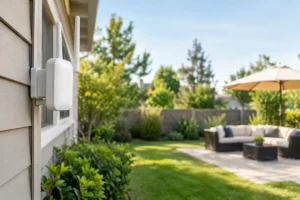
Florida businesses also often need coverage beyond the main office or storefront. You may need reliable access in a lobby, conference room, warehouse, outdoor dining area, pool deck, patio, service bay, or detached building. Each area has different demands. An office may need dependable video meetings, while a waiting room needs controlled guest access and an outdoor area may support music, digital menus, or security cameras.
A professional site assessment identifies where people work, where customers gather, what equipment connects to the network, and which construction materials create interference. That information determines access point placement, not guesswork or the size of a box on a store shelf.
Coverage Is Not the Same as Capacity
Seeing a full WiFi icon does not necessarily mean a network is performing well. A device can detect a signal and still struggle with slow speeds, lag, or dropped connections when too many users compete for the same wireless access point.
Capacity matters most in businesses with a high concentration of devices. A medical office may have staff workstations, patient tablets, smart TVs, phones, printers, and guest devices active at once. A restaurant may have handheld ordering terminals, payment systems, kitchen displays, staff phones, music streaming, and customer traffic competing for airtime. A showroom may rely on connected displays and sales tablets throughout the day.
The right design balances coverage and capacity. Instead of stretching one access point across an entire floor, a properly planned system uses multiple access points in the right locations. Each one carries an appropriate share of the connected devices, helping the network stay responsive during busy periods.
Wired Backhaul Makes a Noticeable Difference
Mesh WiFi can be useful, especially where new wiring is not practical. However, the strongest commercial setups typically use wired connections between the network equipment and each access point. This is called a wired backhaul, and it allows access points to communicate without consuming wireless bandwidth.
It is not always necessary to run cable everywhere, but it is worth considering during a renovation, office buildout, or AV upgrade. Concealed low-voltage wiring creates a cleaner finished space while giving your network a stronger foundation for years to come.
Separate the Devices That Should Not Mix
A business network should not treat every device the same way. Guests should not share access with point-of-sale terminals. Security cameras should not compete directly with employee video calls. Smart TVs, audio systems, lighting controls, and other connected equipment also benefit from being organized intentionally.
Network segmentation creates separate lanes for different categories of devices. For example, staff devices can use one secure network, guest devices another, and cameras or building technology their own protected connection. This approach improves security and can make troubleshooting far simpler when a device needs attention.
Guest WiFi deserves particular care. Customers expect it in many settings, but it should be convenient without creating risk for your operations. A separate guest network can provide internet access while keeping internal systems private. Depending on the business, it may also include a branded login page, time limits, or bandwidth controls that prevent a few heavy users from affecting everyone else.
Choose Equipment for the Business You Have and the One You Are Building
The cheapest networking gear can be tempting, especially when an internet provider includes a basic gateway. For a very small office with only a few users, that may be enough for a while. But businesses with customer traffic, connected systems, multiple rooms, or plans for growth often outgrow consumer equipment quickly.
Commercial-grade networking equipment gives an installer more control over how the system behaves. It can support multiple access points, separate networks, device management, security settings, and future expansion. The goal is not to overbuild a network with features you will never use. It is to avoid installing a system that becomes the next operational bottleneck six months from now.
Consider what is likely to change. Will you add cameras? Expand to an adjacent suite? Install digital signage, distributed audio, smart TVs, or more workstations? A network designed with room to grow is usually less disruptive and more cost-effective than repeated patchwork upgrades.
Internet Speed Is Only One Part of the Equation
Upgrading your internet plan can help, but it will not fix poor internal network design. Think of your internet service as the road leading to your building. Your router, switches, cables, and access points are the roads inside it. A faster connection coming into a poorly designed network still creates congestion where your employees and customers need performance most.
The appropriate internet speed depends on usage. A professional office with cloud applications and frequent video calls may need more upload capacity than expected. A hospitality business with many guest devices may need stronger download capacity and sensible limits on guest traffic. A business relying on cloud cameras needs to account for ongoing video upload demands.
Plan for Security and Reliability From Day One
Network security does not need to make daily technology difficult. In fact, a well-configured system usually makes access easier for the right people and much harder for the wrong ones. Strong passwords, current encryption, separated networks, controlled administrator access, and software updates form the baseline.
Reliability also includes power and physical organization. Network equipment should be installed in an accessible, ventilated location, not buried behind furniture or tangled with unrelated cables. A battery backup can protect critical equipment through brief outages and allow for an orderly shutdown if power is lost. For businesses that rely on internet-based phones, payment terminals, or security monitoring, this detail can matter a great deal.
A clean installation has practical value as well as visual value. Labeled cables, organized equipment, and properly placed access points make future service faster and prevent the cluttered look that undermines an otherwise polished workspace.
When Professional Design Is Worth It
A do-it-yourself solution can make sense for a single-room office with a few devices and straightforward needs. The trade-off is that you become responsible for placement, security, performance testing, cable routing, updates, and troubleshooting when something goes wrong.
Professional design becomes more valuable when WiFi supports revenue, customer service, safety, or multiple connected systems. That includes retail spaces, restaurants, offices, medical practices, fitness studios, warehouses, and hospitality environments. It is especially helpful when you want WiFi, cameras, audio, displays, and smart controls to work together without exposed wiring or a stack of mismatched devices.
Frequencies USA designs business technology around the actual space and the people using it. The process can include a coverage plan, clean equipment placement, concealed wiring where appropriate, and an organized handoff that makes the finished system easy to use.
Questions to Ask Before Installing Business WiFi
Before approving a network plan, ask how many devices it is designed to support during peak hours, not just on a quiet weekday morning. Ask where access points will be located and whether they will be wired. Confirm how guest traffic, cameras, payment systems, and staff devices will be separated.
Also ask what happens when your business changes. Can another access point be added without replacing the whole system? Is there room for future cameras, displays, or audio zones? Will the installation look clean in customer-facing areas? These questions keep the conversation focused on long-term function rather than a single advertised speed number.
The best business WiFi is not the one with the most visible equipment or the longest list of specifications. It is the network that quietly keeps your people productive, your customers comfortable, and your technology ready when the workday gets busy. A thoughtful plan and professional installation give your business one less thing to manage and a much better foundation for everything connected to it.
 Previous Post
 Next Post