How to Extend WiFi Outdoors Without Dead Zones
A pool deck with one bar of signal is not connected outdoor living. If you are wondering how to extend wifi outdoors, start by treating the yard as part of your home or business network, not as an afterthought. The right design supports streaming by the pool, music on the patio, smart landscape lighting, security cameras, remote work, and guest devices without making your indoor WiFi less reliable.
Outdoor coverage is not simply a matter of buying the strongest extender on the shelf. Distance, walls, stucco, metal framing, dense landscaping, weather, and the number of connected devices all affect the result. A well-designed solution places the right equipment where it can perform, protects it from Florida conditions, and keeps wiring discreet.
Start With the Outdoor Experience You Want
Before selecting equipment, identify where people and devices will actually use the connection. A small seating area just beyond the back door needs a very different solution than a large pool enclosure, detached garage, waterfront dock, outdoor kitchen, or commercial patio.
Think about the activities that matter most. Casual web browsing and smart lighting place modest demands on a network. Streaming a game outside, running multiple security cameras, hosting guests, or handling video calls from a backyard office requires more capacity and more consistent coverage.
It also helps to consider what happens inside. An outdoor solution should add coverage without creating interference or forcing all nearby devices onto a weak signal. For most properties, the best result comes from expanding the existing network strategically rather than replacing it with a collection of disconnected extenders.
How to Extend WiFi Outdoors: Choose the Right Method
There are several ways to bring WiFi beyond exterior walls. The best choice depends on distance, building construction, power availability, and expectations for speed and reliability.
Use an Outdoor Access Point for Reliable Coverage
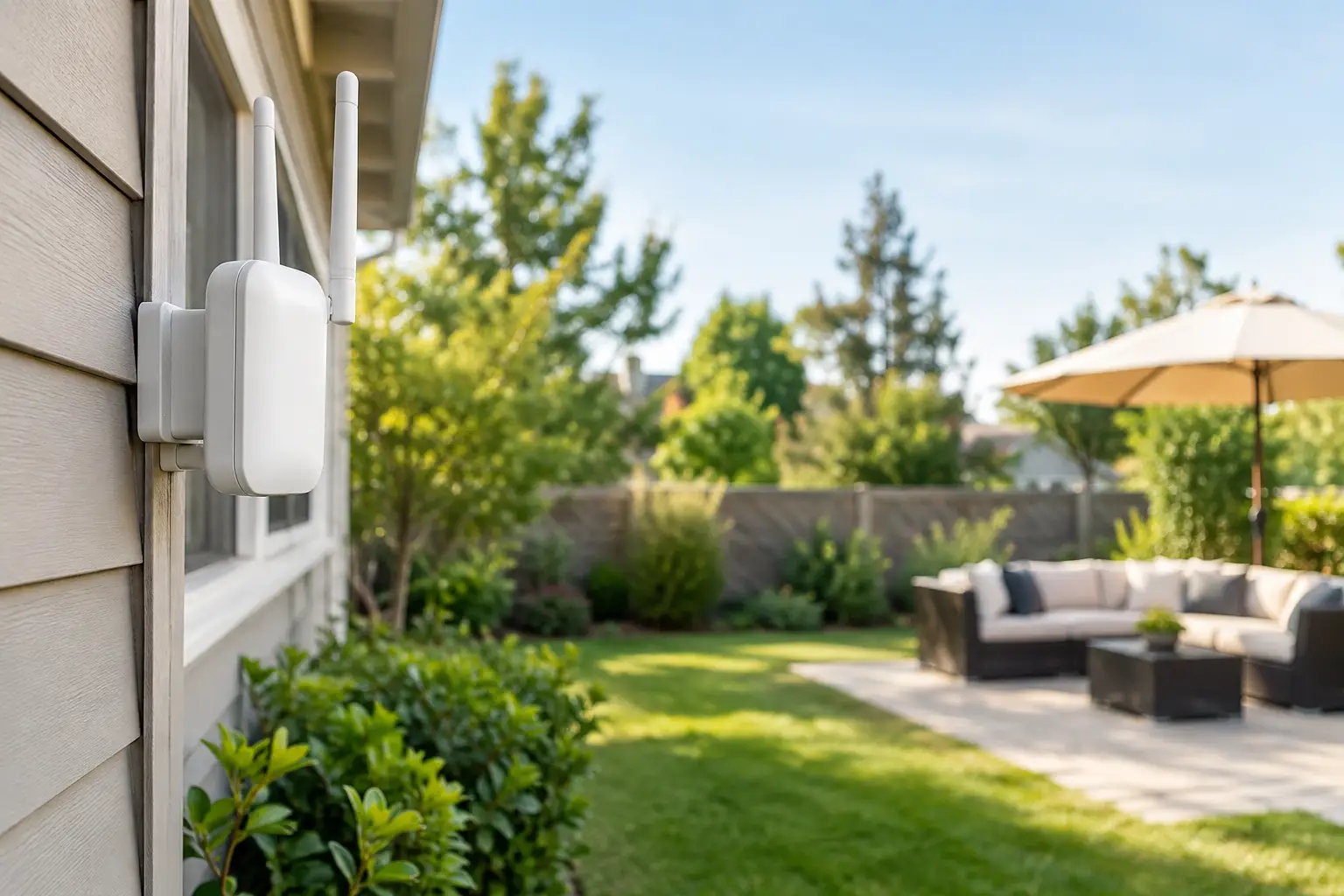
For a patio, pool area, lanai, yard, or outdoor entertaining space, a weather-rated wireless access point is often the preferred solution. It is mounted in a protected, elevated location and connected back to the main network with a wired data cable whenever possible.
A wired connection gives the access point a direct path to the network instead of asking it to repeat a weakened indoor signal. That translates to more dependable streaming, faster connections, and better performance when several people are online. It also allows the access point to be positioned for coverage rather than limited to wherever a power outlet happens to be.
Professional installation can conceal low-voltage wiring along rooflines, through attic spaces, or within appropriate exterior pathways. The finished system remains visually clean while providing coverage where it is actually needed.
Use a Point-to-Point Bridge for a Detached Building
A detached garage, guest house, barn, gate, or workshop may sit too far from the main home for a single outdoor access point to cover well. In that case, a point-to-point wireless bridge can carry the network from the main building to the second structure.
This setup uses two aligned outdoor radio units with a clear path between them. Once the connection reaches the detached structure, an indoor or outdoor access point supplies local WiFi. It is a strong option when trenching a cable is impractical, although trees, new construction, and heavy obstructions can reduce performance.
For the highest long-term reliability, buried cable in conduit may still be the better investment when the property layout and budget allow it. A site evaluation helps determine whether a bridge or a hardwired connection makes more sense.
Extend a Mesh System When the Distance Is Modest
A mesh node can work for a small outdoor area near the house, especially when the system includes weather-rated components or the node can be placed indoors near a window or covered exterior wall. It is convenient, but it has limits.
Mesh nodes that communicate wirelessly share available bandwidth with connected devices. If the node receives a weak signal from the house, it cannot create a strong one outside. This approach is best for modest coverage needs, not a large yard, a remote building, or an entertainment space where multiple devices need steady performance.
Avoid Relying on a Basic Plug-In Extender
A plug-in extender is the quickest and least expensive option, but it is usually a compromise. It must be placed where it still receives good signal from the router, which is often not close enough to the outdoor dead zone. It can also create a separate network name and add frustration as phones move between the house and patio.
For temporary needs, an extender may be acceptable. For a finished outdoor living area, camera system, or business space, purpose-built equipment is typically the more satisfying choice.
Plan for Florida Heat, Rain, and Storms
Outdoor networking equipment must be rated for exterior use. Indoor devices installed under an eave may survive for a while, but heat, humidity, wind-driven rain, and UV exposure eventually take their toll. Choose weather-rated access points, properly sealed cable connections, and mounting hardware designed for the environment.
Lightning and electrical surges deserve special attention in Florida. Outdoor network cables can carry a surge into the home or building during nearby lightning activity. Appropriate surge protection, grounding practices, and professional cable routing protect valuable network equipment and connected devices.
If the property is close to the coast, salt air adds another concern. Corrosion-resistant hardware and thoughtful placement help protect the installation over time. Equipment should be accessible for service without becoming a visible distraction in an otherwise polished outdoor space.
Place Equipment for Coverage, Not Convenience
WiFi signals travel best with as few obstacles as possible. Exterior block walls, low-E glass, aluminum pool enclosures, masonry fireplaces, metal roofs, and mature landscaping can all weaken coverage. Mounting an access point high enough to clear common obstructions usually produces better results than placing it low behind furniture, plants, or structural elements.
The goal is not to make the equipment conspicuous. A professional installer can often place it beneath an eave, on a soffit, under a covered structure, or in another location that balances signal quality with aesthetics. For larger properties, two carefully placed access points may perform better than one powerful unit trying to cover everything.
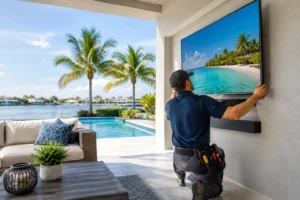
Do not overlook the pool enclosure. Screen cages and aluminum framing can change the way signals move through the space. Testing coverage from the actual lounge chairs, outdoor TV location, kitchen, and gate is more useful than testing only at the back door.
Keep Cameras, Smart Devices, and Guests in Mind
Outdoor WiFi increasingly supports more than phones and tablets. Doorbells, gate controls, irrigation controllers, landscape lighting hubs, pool equipment, and security cameras all depend on a stable connection. Each device may use little bandwidth on its own, but a group of cameras or smart devices can expose weak areas quickly.
A properly designed network can separate guest devices from security and automation equipment. That improves privacy and keeps visitors from accessing devices that should remain private. It also makes troubleshooting easier when an individual device drops offline.
For camera installations, signal strength is only part of the equation. Cameras need dependable upload capacity, especially when several record at once or send high-resolution video to a recorder or cloud service. A wired camera connection is often preferable where practical, while a strong outdoor access point can support locations where wiring is difficult.
Check the Network Before You Add More Hardware
Sometimes the backyard is not the real problem. An aging router, limited internet plan, crowded wireless channels, or poor placement of the primary router can affect every part of the property. Adding outdoor equipment to a weak foundation only spreads the problem farther.
A professional assessment looks at internet speed, router capacity, existing access point placement, construction materials, device count, and the areas where coverage matters. This prevents overspending on hardware that does not solve the actual issue.
For homeowners and businesses in the Tampa Bay area, Frequencies USA can design an outdoor WiFi solution around the property, the way the space is used, and the level of finish expected. Whether the goal is better poolside streaming, dependable outdoor cameras, or connectivity for a detached workspace, the best installation should feel simple to use and nearly invisible when you look around.
The next time a device drops connection at the far end of the patio, view it as useful information: it shows exactly where thoughtful network design can make outdoor time more enjoyable.
 Previous Post