Best Mesh Routers for Large Homes Compared
A beautiful home can still feel frustrating when video calls freeze in the office, the patio TV buffers during the game, and smart devices drop offline at the far end of the house. For homeowners comparing the best mesh routers large homes can use, the right answer is rarely the box with the biggest coverage number. It is the system that matches the home’s layout, construction, internet service, device count, and the places where life actually happens.
For Florida homes, Wi-Fi often has to travel through concrete block, dense insulation, hurricane-rated glass, outdoor walls, and multiple floors. Add pool areas, guest suites, home theaters, security cameras, and a growing collection of smart-home devices, and a single router at the cable entry point is simply not enough.
What Makes a Mesh System Right for a Large Home?
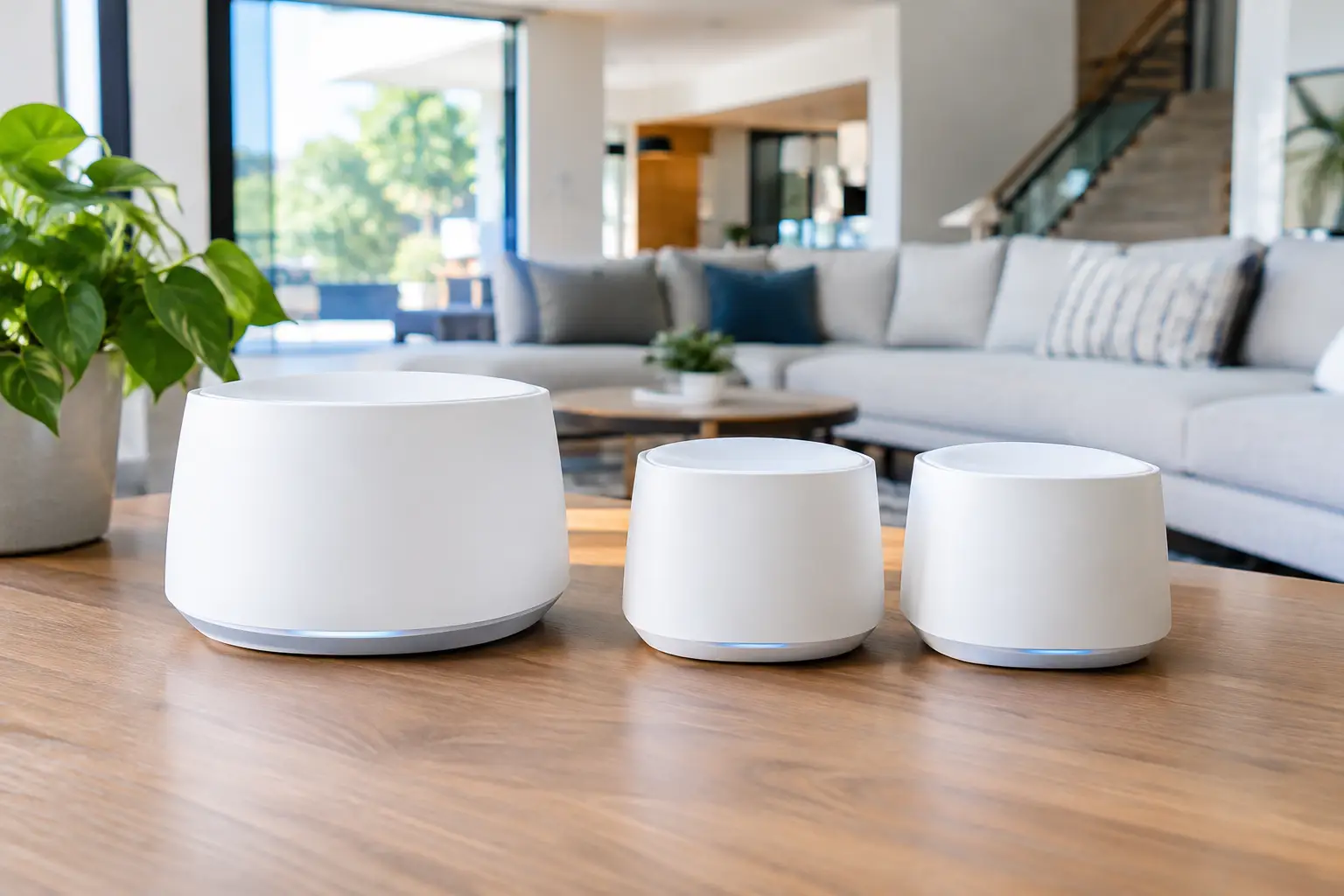
Mesh Wi-Fi uses multiple access points, often called nodes, to create one network throughout the property. Your phone, tablet, TV, and laptop move between those points without requiring you to manually switch networks. That is a major improvement over a basic range extender, which commonly creates a separate network name and can cut available speed.
However, mesh does not mean that more nodes are always better. Placing too many nodes too close together can create interference, while placing them too far apart leaves each node with a weak connection to the next. The best result comes from a deliberate plan: a strong primary router, properly located nodes, and wired connections wherever the home allows.
The specifications worth paying attention to are not just the advertised square footage. Look at the Wi-Fi generation, available Ethernet ports, backhaul options, security features, and how well the platform handles many connected devices. A 5,000-square-foot open-plan home may need less equipment than a 3,000-square-foot two-story block home with a detached garage and screened lanai.
Best Mesh Routers for Large Homes by Priority
There is no single winner for every property. These systems stand out for different reasons, and the right choice depends on whether you value raw speed, simple operation, expansion options, or a more customized installation.
Netgear Orbi 970 Series for Maximum Wireless Performance
The Orbi 970 series is built for large, demanding homes where high-speed wireless backhaul matters. Its Wi-Fi 7 capability and multi-gig connectivity make it a strong fit for households with fast fiber service, multiple 4K or 8K streaming zones, gaming systems, and heavy work-from-home use.
Its main advantage is capacity. With dedicated wireless communication between the router and satellites, it can maintain stronger performance where running network cable is difficult. The trade-off is cost. It is premium equipment, and a large home may require several satellites. For a homeowner who wants top-tier wireless performance without compromising the visual finish of the space, it is a serious option.
eero Max 7 for Simple Whole-Home Wi-Fi
The eero Max 7 is a good match for families who want capable Wi-Fi with an approachable app and minimal day-to-day management. It supports Wi-Fi 7, multi-gig internet plans, and a large number of connected devices, making it especially useful in homes with smart lighting, cameras, thermostats, TVs, speakers, and voice assistants.
Eero systems are known for being easy to use, but simplicity can also mean fewer advanced configuration choices than a networking enthusiast might want. For many households, that is a benefit rather than a limitation. If the goal is dependable coverage and easy management instead of constant settings adjustments, eero deserves a close look.
TP-Link Deco Wi-Fi 7 Systems for Value and Flexibility
TP-Link Deco models, including higher-end Wi-Fi 7 options such as the Deco BE series, can offer strong coverage and multi-gig features at a more approachable price than some premium competitors. They are well suited to homeowners who want to extend Wi-Fi across a larger floor plan without paying for features they will never use.
Deco is also practical when a property needs several nodes. A three-node configuration may cover the main living areas, while an additional wired node can serve a garage, office, or outdoor entertainment zone. Product lines vary significantly, though, so it is worth confirming port speeds and backhaul support before selecting a kit.
Ubiquiti UniFi for Customized, Expandable Networks
For larger residences, home offices, and small commercial settings, UniFi is often a better long-term approach than a standard retail mesh kit. It uses separate components, such as a gateway, managed switch, wired access points, and optional outdoor access points. The system can be designed around the building instead of asking the building to fit a prepackaged kit.
This approach is particularly effective when Ethernet cable can be installed behind walls or through attic spaces. Wired access points deliver more consistent speed than wireless repeaters and can be positioned exactly where coverage is needed. UniFi requires more planning and professional configuration, but it provides cleaner expansion, stronger network control, and a polished finished installation.
Wired Backhaul Is the Upgrade That Matters Most
A mesh node can communicate with the main router wirelessly, but every wireless hop shares airtime. In a large home, that can reduce the speed available at the farthest node, especially when walls, appliances, or outdoor construction interfere with the signal.
Wired backhaul changes that equation. Each access point connects to the network through Ethernet cable, leaving more Wi-Fi capacity available for phones, laptops, TVs, and smart devices. It also makes a noticeable difference for high-bandwidth applications such as streaming a home theater, uploading security-camera footage, gaming, and video conferencing.
This does not mean every home needs visible cable runs or an invasive remodel. In many properties, cable can be routed through attic spaces, closets, structured wiring panels, or low-profile pathways that preserve the appearance of the home. Where wiring is not practical, a quality tri-band or quad-band mesh system remains a worthwhile solution.
Do Not Forget the Outdoor Areas
Standard indoor mesh nodes are not designed to live outside in Florida heat, moisture, or driving rain. A node placed near a patio door may improve coverage around a lanai, but it is not the same as a purpose-built outdoor access point.
If you use Wi-Fi by the pool, at an outdoor kitchen, in a detached workshop, or near a front gate camera, plan for those areas specifically. An outdoor-rated access point, professionally placed and wired, can provide stable coverage without relying on a weak signal leaking through exterior walls. It also helps security cameras maintain a consistent connection instead of dropping offline at the worst possible moment.
Placement Can Make or Break the System
The main router should not be hidden in a metal rack, tucked behind a television, or placed at one extreme end of the house if it can be avoided. Central placement is ideal, but the incoming internet connection often dictates where the primary equipment begins. That is where additional nodes or access points need to be planned with purpose.
Place each node in an open area where it still receives a strong signal from the previous node. Avoid locating it inside cabinets, directly beside large appliances, or behind dense masonry. In two-story homes, a node on each floor is usually more effective than trying to blast a signal upward or downward from one corner.
For homes with a theater, media room, or equipment closet, hardwire stationary devices whenever possible. TVs, streaming boxes, game consoles, receivers, and desktop computers do not need to compete for wireless bandwidth when an Ethernet connection is available.
When a Professional Wi-Fi Design Is Worth It
A retail mesh kit is often enough for a modest, open home with standard internet service. Professional design becomes valuable when coverage problems involve block walls, larger lots, multiple buildings, advanced smart-home equipment, cameras, or hidden wiring requirements.
A proper assessment considers more than square footage. It looks at construction materials, network cabinet location, existing cabling, ISP speed, device density, outdoor needs, and future upgrades. It also separates guest devices and smart-home equipment where appropriate, helping the network stay organized and easier to troubleshoot.
For homeowners in the Tampa Bay area, Frequencies USA can design and install a Wi-Fi system that supports the whole property without cluttering rooms with exposed wires or mismatched equipment. The goal is not to add technology for its own sake. It is to make every connected part of the home work reliably and feel effortless to use.
The best mesh system is the one you stop thinking about: the movie starts immediately, the meeting stays clear, the camera stays connected, and Wi-Fi reaches the places where you actually spend your time.
 Previous Post