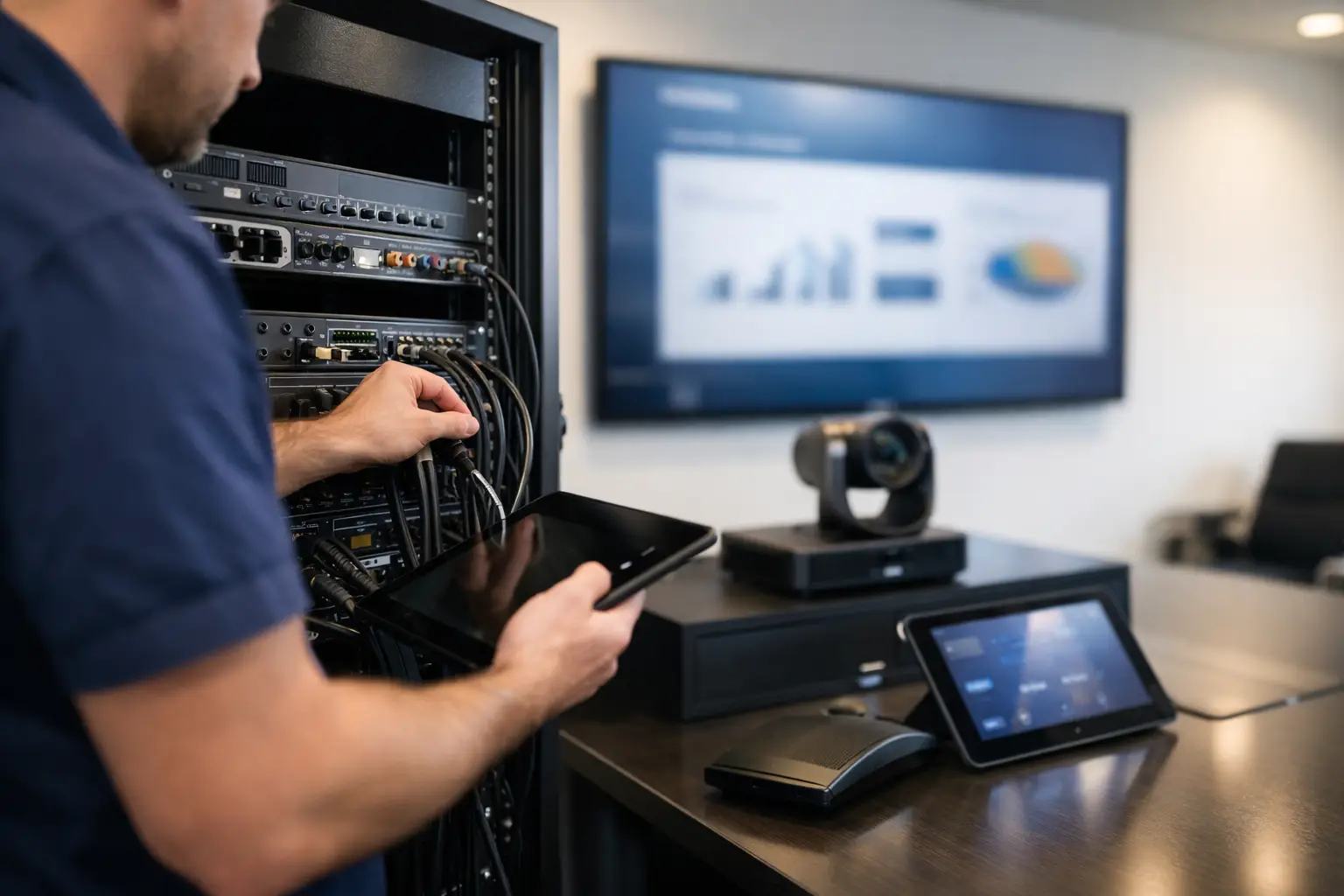
Commercial AV Installation Guide for Businesses
A conference room is only impressive until a client meeting starts late because the display will not connect, the microphone is too quiet, or three remotes are sitting on the table with no clear purpose. A well-planned commercial AV installation guide starts with that real-world moment: technology should support the work, not become the work.
For Florida businesses, the right audiovisual system can make meetings more productive, improve the customer experience, support clearer communication, and present a polished image from the moment someone walks in. The best result is not necessarily the system with the longest equipment list. It is the one designed around how your people, customers, and space actually operate.
Start Your Commercial AV Installation Guide With the Space
Before choosing a display, speaker, or control panel, define what the room needs to accomplish. A small huddle room, restaurant patio, training center, lobby, retail floor, and executive boardroom may all use screens and sound, but they need very different systems.
A conference room may need dependable video calling, easy laptop sharing, a camera that captures everyone at the table, and microphones that make remote participants easy to hear. A retail business may benefit more from distributed background music, digital signage, and secure network coverage. A restaurant or sports bar may need multiple displays that can show different content without creating a wall of visible cables and remotes.
The questions that shape a successful design are practical: How many people use the space? What content will be shown? Does the system need to support video meetings? Who will operate it each day? Will the room layout change? Are there bright windows, high ceilings, outdoor areas, or significant background noise?
Design for the Daily User
The person operating the system should not need technical training before every presentation. If a receptionist, manager, teacher, or server has to troubleshoot inputs and settings, the system is too complicated for the environment.
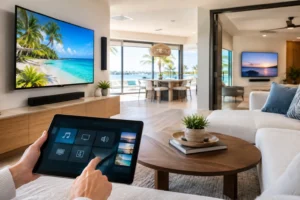
Good commercial AV design reduces the daily experience to a few predictable actions. Walk into the room, select the source, adjust volume if needed, and begin. That can be handled through a wall keypad, touchscreen, tablet, or a carefully programmed remote, depending on the space and budget.
Build the Infrastructure Before Adding Equipment
Commercial AV equipment depends on the infrastructure behind the walls. This is where projects often succeed or fail long after installation day.
A strong network matters when displays receive digital signage content, conference systems host cloud meetings, cameras stream video, and wireless access points carry employee and guest traffic. Weak Wi-Fi can make a premium video conferencing system feel unreliable. In larger spaces, a professionally designed Wi-Fi mesh network or wired access point layout may be as valuable as the AV equipment itself.
Power planning also deserves attention. Displays, projectors, network switches, amplifiers, cameras, and control hardware need properly placed power sources and protection. Equipment racks should have ventilation, accessible service space, and enough capacity for future additions. Hiding every component in an inaccessible ceiling may look clean on day one but can turn a simple service call into a major disruption.
Cabling should be planned before walls are closed, furniture is installed, or finishes are completed. Running conduit where possible gives your business options later, especially if you expect to add displays, cameras, or upgraded connections. Concealed wiring protects the visual appeal of the space while reducing cable damage, clutter, and tripping hazards.
Choose Displays for Viewing Conditions, Not Just Size
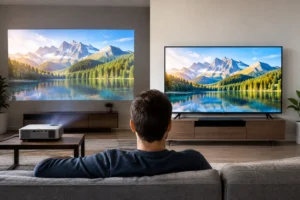
A larger screen is not always the better choice. Viewing distance, room dimensions, content type, and ambient light determine what will perform well.
For a meeting room, attendees at the far end should be able to read presentation details without straining. For digital signage, brightness and placement may matter more than extreme resolution. In a sunlit lobby or restaurant with large windows, a display that looks great in a dim showroom can appear washed out during the afternoon.
Commercial-grade displays are often worth considering for spaces that run content for long hours. They are built for longer operating cycles and can offer better scheduling, orientation, and management options than consumer televisions. That said, a consumer display may be appropriate for limited-use applications with a controlled budget. The right choice depends on how hard the equipment will be used and how costly downtime would be.
Mounting is equally important. The display should sit at a comfortable height, avoid glare where possible, and leave room for service access. In public-facing areas, secure mounting and clean cable concealment protect both the equipment and the professional appearance of your business.
Plan Audio Around Clarity and Coverage
Poor audio is more noticeable than many business owners expect. Customers may tolerate a screen that is slightly smaller than planned, but they quickly notice music that is uneven, announcements they cannot understand, or conference calls filled with echo.
For background music, the goal is even coverage at a comfortable level. A few loud speakers near one table and silent areas elsewhere create an unpleasant experience. Ceiling speakers, pendant speakers, surface-mounted options, and outdoor-rated speakers each have a place depending on ceiling height, décor, and exposure to weather.
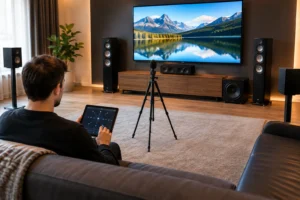
For conference rooms, voice clarity should lead the decision. Built-in display speakers may work in a small room, but they rarely provide the best experience for a larger table or hybrid meeting. Proper microphones, echo management, speaker placement, and camera positioning help remote participants feel included rather than overlooked.
Outdoor areas need extra care. Florida heat, rain, humidity, and poolside conditions call for equipment rated for the setting. Outdoor sound should enhance the atmosphere without creating unnecessary spillover into neighboring properties or other areas of the business.
Make Control Simple and Consistent
An AV system can contain excellent equipment and still frustrate users if control is confusing. A consistent control experience brings the system together.
For example, a single interface can power on the display, select a cable box or streaming source, set the correct volume zone, and lower motorized shades in a presentation room. In a restaurant, a manager may need to change what is playing on several televisions without walking from screen to screen. In an office, scheduled automation can power down equipment after business hours.
Not every project needs a high-end touchscreen system. A simple keypad or programmed remote may be the smarter option for a small space. The priority is matching the control method to the people who will use it, then clearly labeling the functions that matter most.
Schedule Installation to Protect Business Operations
Commercial installation should work around your business, not force your business to work around the installation. A detailed site review identifies access points, ceiling conditions, existing wiring, operating hours, and areas that need extra protection during the work.
For active businesses, installation may be phased around evenings, closed days, or low-traffic periods. This can reduce disruptions, although it may extend the project timeline. A single after-hours installation is often ideal for a smaller system, while a larger renovation may require a coordinated multi-stage plan with electricians, contractors, and IT teams.
Before the system is handed over, every source, speaker zone, network connection, camera, and control function should be tested in the way the business will actually use it. Staff should receive straightforward training, including what to do when a basic issue occurs and who to contact for support.
Avoid the Most Common Commercial AV Mistakes
The most expensive AV mistake is buying equipment before creating a system plan. That can lead to incompatible connections, undersized displays, too few speakers, crowded network capacity, and visible wiring that detracts from an otherwise attractive space.
Another common issue is designing only for opening day. If your team grows, your layout changes, or your business adds locations, can the system expand without starting over? Planning spare network ports, conduit paths, rack space, and flexible control options can save substantial cost later.
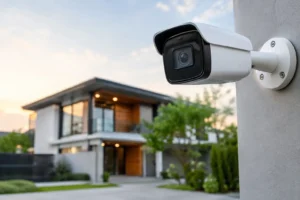
Finally, avoid treating AV, Wi-Fi, security cameras, and lighting as completely separate decisions when they share the same space and infrastructure. Coordinating those systems early produces a cleaner installation and a more convenient experience for the people using the building.
Work With an Installer Who Understands the Whole System
A professional commercial AV installer should do more than mount a television and connect a few cables. Look for a team that asks how the room is used, reviews the site carefully, explains equipment choices in plain language, and designs with both performance and appearance in mind.
For businesses in Tampa Bay and surrounding Florida communities, Frequencies USA provides custom audiovisual, Wi-Fi, security, and smart technology installations with clean wiring and practical control. Whether you are upgrading one meeting room or planning a customer-facing entertainment space, a free estimate can turn vague ideas into a clear scope of work.
The right system should feel almost invisible once it is in place. Your team should be able to start a meeting, set the mood, share content, and serve customers without stopping to think about the technology behind it.
 Previous Post
 Next Post