Commercial Audio Visual Installation Services
A conference room should not lose the first 10 minutes of every meeting to remote-control hunting, weak Wi-Fi, or a display that will not connect. The right commercial audio visual installation services turn those daily friction points into a polished, dependable system your team can use without calling IT for every presentation.
For Florida businesses, a professional AV installation is not simply about mounting a TV or adding speakers. It is about designing technology around the room, the people using it, and the experience customers or employees should have from the moment they walk in. That may mean a clean video-conferencing room, clear audio across a busy restaurant, secure wireless coverage throughout an office, or digital displays that make a lobby feel more professional.
What Commercial Audio Visual Installation Services Should Deliver
A commercial AV system works best when it feels almost invisible. Employees should be able to start a meeting, share a screen, adjust volume, or switch sources with simple controls. Customers should hear music evenly without noticing where each speaker is located. The equipment should support the business, not become another task for the staff to manage.
That takes more than selecting popular components. A proper installation starts with how the space is actually used. A small executive office has different needs than a training room, retail showroom, medical waiting area, fitness studio, restaurant patio, or multi-room business location. Ceiling height, window glare, ambient noise, wall construction, seating layout, network capacity, and future expansion all affect the right design.
The finished result should provide strong performance and clean aesthetics. Concealed wiring, properly placed displays, flush-mounted speakers, organized equipment racks, and intuitive controls protect the professional look of your space. They also prevent the common problem of equipment being moved, unplugged, or improperly connected over time.
Start With the Business Experience You Want to Create
The most useful question is not, “What equipment should we buy?” It is, “What should this room allow people to do?” That answer guides every decision that follows.
A conference room may need a large display, high-quality camera, room microphones, reliable wireless presentation options, and simple access to Microsoft Teams or Zoom. If hybrid meetings are common, clear voices and a camera angle that includes everyone are more valuable than an oversized screen alone. A smaller huddle room may need a more compact all-in-one conferencing solution, while a boardroom may justify dedicated cameras, ceiling microphones, and a centralized control system.
In a customer-facing environment, audio often has the greatest day-to-day impact. Background music should feel consistent from the entrance to the back of the building, without hot spots that are too loud or corners that are nearly silent. Zoned audio lets a business set different volume levels for a lobby, showroom, office, outdoor seating area, or restroom. It is a practical feature when different spaces serve different purposes.
Digital signage can also do more than display a static logo. Well-positioned screens can share promotions, menus, event information, service details, welcome messages, or internal updates. The best setup depends on viewing distance, lighting, screen orientation, and how often content will change. A display that looks bright and sharp in a home may not be the right choice for a sunlit commercial lobby.
Design Matters as Much as the Equipment
Commercial environments place different demands on AV technology than a typical living room. Systems may run for long hours, serve many users, and need to remain reliable even when employees change. That is why professional design matters.
Audio planning is a good example. Installing more speakers does not automatically create better sound. The goal is even coverage, appropriate volume, and intelligible speech where speech matters. In a restaurant, too much volume can make conversation uncomfortable. In a training room, poor speaker placement can make instructions difficult to understand. Outdoors, weather exposure and open-air sound loss create another set of considerations.
Video requires similar planning. Screen size should match the viewing distance and the type of content being shown. A display used for spreadsheets and detailed presentations needs enough resolution and scale for people at the far end of the room. A lobby display may need higher brightness to overcome daylight. Projectors can be a strong fit for certain large-room applications, but they depend on light control, mounting conditions, and maintenance expectations.
Network infrastructure is part of the AV conversation, not a separate afterthought. Video calls, wireless screen sharing, security cameras, streaming content, and staff devices all compete for bandwidth. A professionally designed Wi-Fi mesh network can improve coverage across the building and reduce the frustrating dead zones that make connected AV systems feel unreliable.
A Clean Installation Protects Your Professional Image
Visible cables, extension cords, and loose equipment are more than an eyesore. They can create safety concerns, invite accidental disconnections, and make a high-quality system appear temporary. In commercial spaces where customers visit, those details affect perception.
Professional installation focuses on the finish as carefully as the function. Displays are mounted at a comfortable viewing height. Wiring is concealed where possible. Speakers are placed to blend into ceilings or walls. Equipment is organized in a logical, serviceable location rather than piled beneath a desk or behind a display.
This attention to detail pays off later. When a cable needs to be serviced or a component is upgraded, a well-organized system is easier to maintain. It also gives your business room to grow. A company that begins with one meeting room may later add training spaces, lobby signage, distributed audio, or additional camera coverage. Planning for those possibilities can prevent unnecessary rework.
Choosing Features Without Overbuilding the System
The right AV system should be capable, but it does not need to include every available feature. Overcomplicating the design can increase cost and leave staff with controls they never use. A focused system with the right components often delivers a better everyday experience.
For example, a small office may benefit more from a dependable conferencing display, a simple soundbar camera, and strong Wi-Fi than from a complex control processor. On the other hand, a larger office with several rooms, multiple displays, and recurring presentations may save time with centralized control, room scheduling displays, and standardized setups across locations.
There are trade-offs to consider. Wired connections generally offer dependable performance for fixed equipment, while wireless sharing adds convenience for guests and flexible teams. Ceiling speakers provide a clean, distributed look, while surface-mounted speakers may be a better fit in open-ceiling or industrial-style spaces. The best choice depends on the building, budget, and how the technology will be used every day.
A qualified AV partner should explain those choices in plain language. You should understand what each piece of the system does, why it belongs in the design, and how it supports your goals. If you already own equipment, it may be possible to integrate it when it makes sense. In other cases, replacing a weak link can improve reliability enough to justify the investment.
Installation Is Only One Part of a Successful System
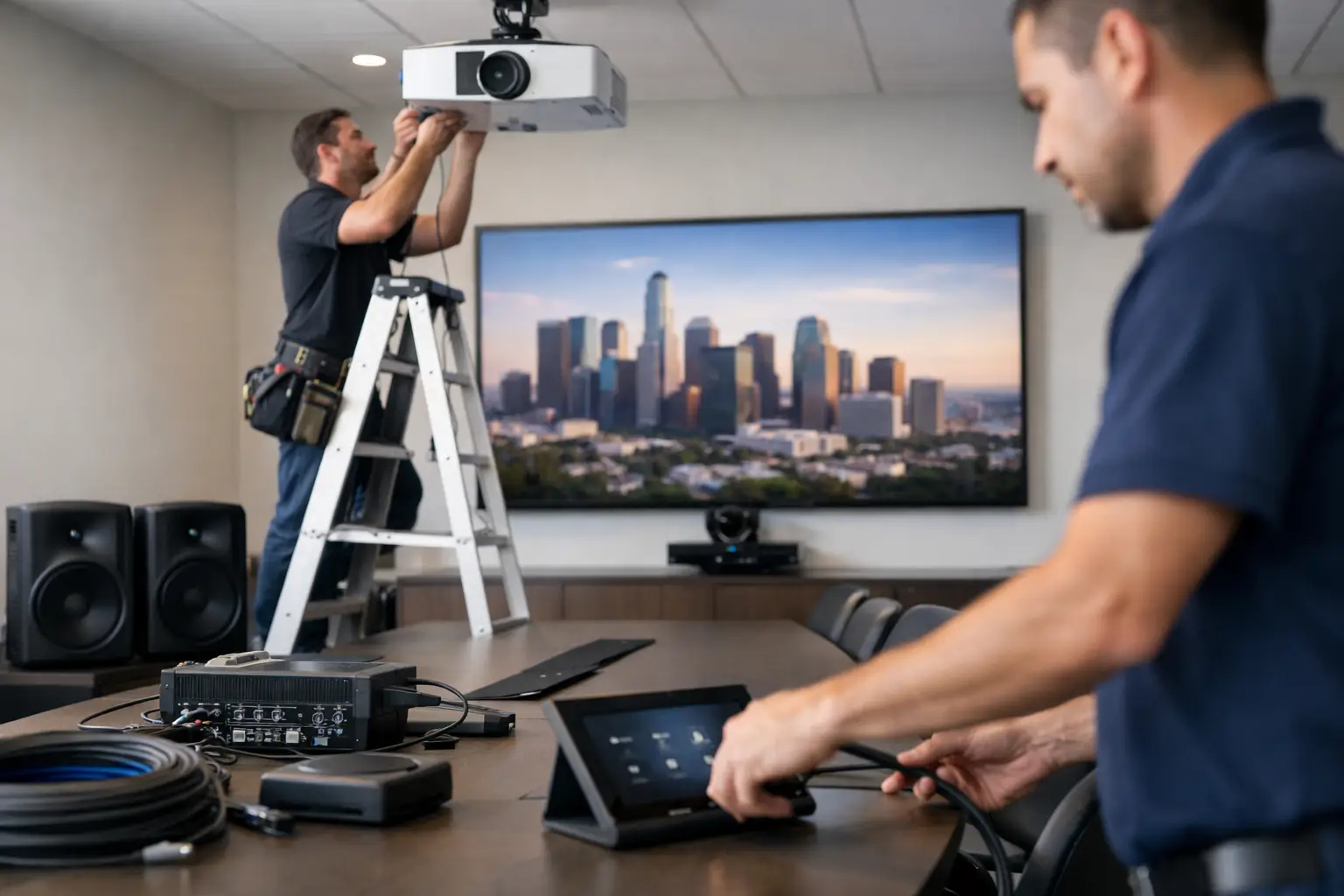
Even excellent equipment can disappoint when setup is rushed. Before installation, the team should evaluate the space, power availability, network access, mounting surfaces, cable paths, and any operational concerns. This reduces surprises and helps keep the project moving efficiently.
After the equipment is installed, configuration matters. Audio needs to be tuned for the room. Video sources need to be tested. Network-connected devices need to be properly integrated. Controls should be labeled and simplified. Most importantly, the people who will use the system should know how to operate it confidently.
At Frequencies USA, the goal is to make advanced technology feel straightforward for businesses. That means designing commercial systems around real use, providing clean turnkey installation, and making sure the finished space looks as professional as it performs.
When It Is Time to Upgrade Your Business AV
Some signs are obvious: frequent video-call complaints, weak sound, unreliable screen sharing, or cables constantly being moved around. Other signs are more subtle. Your lobby may feel dated compared with competitors. Employees may avoid certain meeting rooms because they are frustrating to use. Customers may struggle to hear announcements or staff may rely on personal devices to make the current system work.
An upgrade does not always mean starting over. It may mean improving wireless coverage, replacing an outdated display, adding a dedicated conference camera, reorganizing existing equipment, or extending audio to an outdoor area. A site evaluation can reveal the improvements that will make the biggest difference first.
A well-designed AV system should make your business easier to run and more enjoyable to visit. Start with the room or problem that causes the most daily frustration, then build a solution that looks clean, works reliably, and gives your team one less thing to think about.
 Previous Post
 Next Post