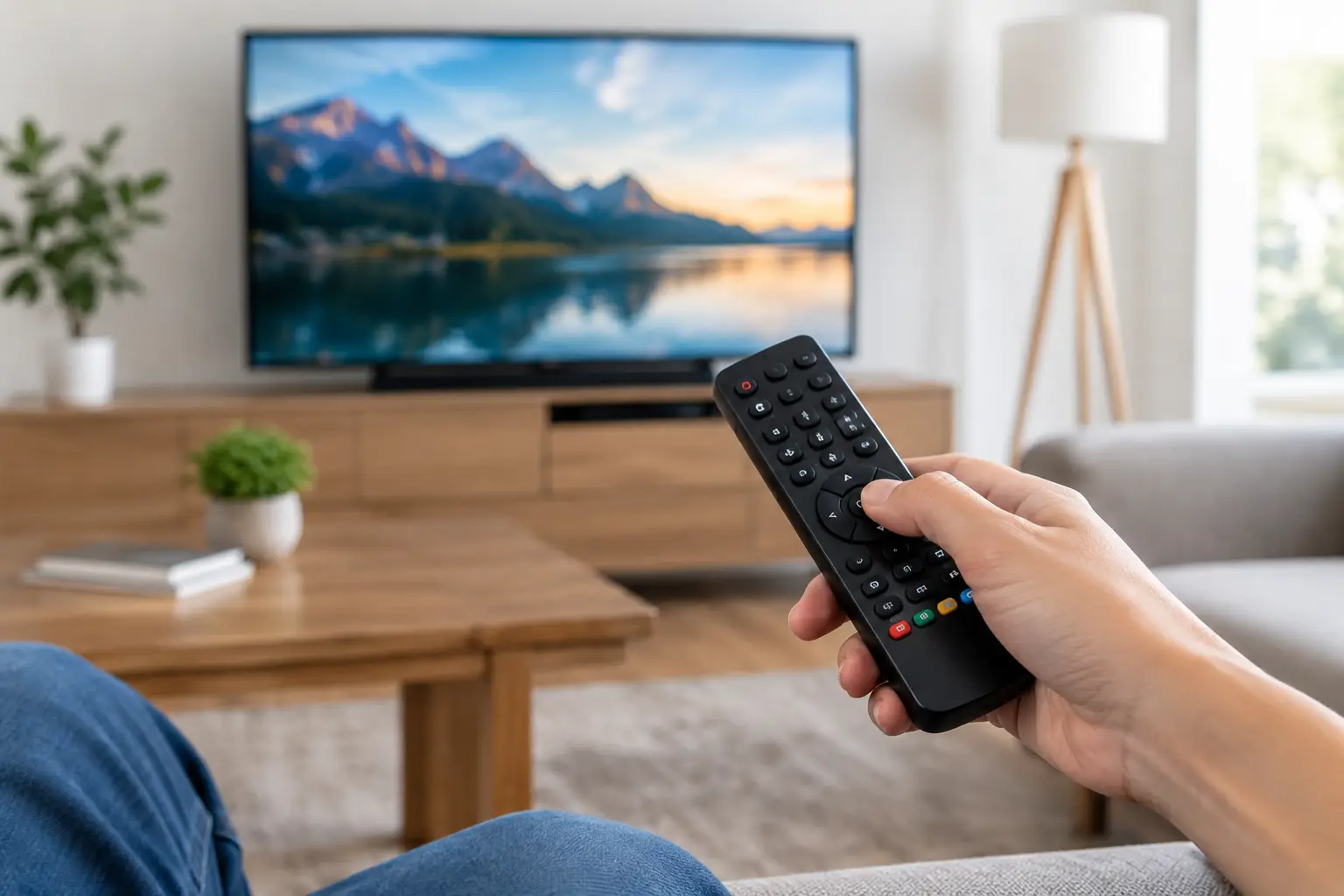
How to Program a Universal Remote Without the Hassle
A movie night should not begin with a hunt for three remotes, a dead battery, and a confusing input menu. When you program a universal remote correctly, the system feels like one connected entertainment experience: press one button, and the TV, receiver, streaming device, and cable box respond the way they should.
That is the appeal of universal remote control. It can simplify a living room, media room, patio TV, conference room, or commercial space without forcing everyone to learn a different control method. The right setup does more than turn equipment on and off. It puts the functions you use every day in the places that make sense.
Before You Program a Universal Remote
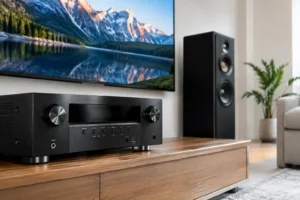
Start by identifying every device the remote needs to control. In a basic room, that may be a television, cable or satellite box, soundbar, and streaming device. A dedicated theater can add an AV receiver, Blu-ray player, projector, motorized screen, subwoofers, lighting, and several source components.
This inventory matters because universal remotes are not all built for the same systems. A simple infrared remote may work well for equipment sitting in an open media cabinet. It may struggle when components are inside closed cabinetry, mounted behind a television, or located in another room. In those cases, an RF-capable remote, IR repeater, or professionally designed control system can be a better fit.
Check the manufacturer and model number for each device before beginning. The information is usually printed on the back or bottom of the component, inside a settings menu, or on the original remote. Taking a few minutes to gather this information prevents the common trial-and-error cycle of testing random codes that only control half the functions.
Also decide what “simple” means for your household or business. Some people only want power, volume, channels, and streaming navigation. Others want a single button that turns on the TV, selects the correct input, wakes the receiver, sets the room lighting, and starts a favorite app. Both are valid goals, but they call for different programming approaches.
How to Program a Universal Remote
Most universal remotes use one of three methods: direct code entry, automatic code search, or app-based setup. The best choice depends on the remote model and the devices in your system.
Use Direct Code Entry When You Have the Codes
Direct code entry is usually the fastest option. Find the code list in the remote’s manual or companion app, then choose the code associated with your TV, receiver, soundbar, or other component.
Typically, you will press and hold a setup button until an indicator light appears, choose the device category, enter the code, and test basic functions. Start with power, volume, mute, input selection, and navigation. A code that turns the TV on but does not control volume or inputs may not be the best code for your specific model.
Do not stop after the first successful power command. Test the buttons your family will actually use. If the remote cannot reliably switch to the correct HDMI input or control the streaming device, the room can still feel complicated even though the initial programming appeared to work.
Try Automatic Code Search for Older Equipment
Automatic code search is helpful when you cannot locate the correct code or when the device is older. The remote cycles through its library of manufacturer commands until the component responds. Once it does, you save that code and test the controls.
The trade-off is time. Automatic searching can take several minutes per device, and it may land on a partial match. A television might power on, for example, but the menu, input, or smart-TV buttons may not respond correctly. If that happens, continue searching or try another code from the same manufacturer.
This method is often useful for a secondary bedroom TV or a straightforward soundbar setup. For a room with multiple sources and custom wiring, it may be more effort than it is worth.
Use an App-Based Setup for Smart Remotes
Many current universal remotes use a phone or tablet app during setup. The app walks you through selecting brands and models, assigning activities, naming inputs, and customizing favorite channels or services.
App-based programming can offer far more flexibility than a traditional code remote. You can create a “Watch TV” activity that powers on the display, starts the cable box, selects the proper input, and adjusts the audio system. A “Movie Night” activity can switch the receiver to a streaming device and dim compatible lighting.
The downside is that more options can create more complexity. A remote with extensive customization needs careful programming, clear button labels, and real-world testing. Otherwise, users may still reach for original remotes whenever something goes wrong.
Build Activities, Not Just Device Controls
The biggest improvement comes when a universal remote is programmed around activities rather than individual components. Few people think, “I want to turn on the receiver and set HDMI 2.” They think, “I want to watch football,” “I want to listen to music,” or “I want to use the patio TV.”
For a typical living room, useful activities may include Watch Cable, Watch Streaming, Play a Game, and Listen to Music. Each activity should put the system into the correct state automatically. That includes power, input selection, and audio routing.
Keep activity names clear and limited. Too many options make a remote harder to use, especially for guests, children, and employees. A well-designed remote should reduce decisions, not add screens full of technical labels.
It also helps to assign volume control thoughtfully. In most entertainment systems, volume should operate the soundbar or AV receiver, not the television speakers. Programming that behavior consistently prevents the frustrating situation where the picture is on, the sound is coming from the right speakers, but the volume buttons seem to do nothing.
Common Problems and Practical Fixes
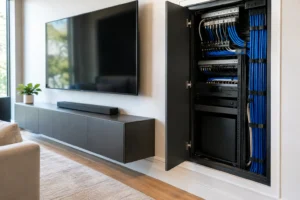
If a universal remote works inconsistently, the issue may not be programming alone. Infrared remotes require a clear signal path. Equipment tucked inside a cabinet, hidden behind a TV, or placed around a corner may need an IR repeater so signals can reach each component.
Input changes are another frequent trouble spot. Modern TVs and receivers may take several seconds to power up before they can accept an input command. If an activity switches inputs too soon, the room may land on the wrong screen. Adjusting command delays often solves this issue.
HDMI control features can also create confusion. HDMI-CEC allows connected devices to send commands to one another, which sounds convenient. But it can conflict with universal remote activities by changing inputs or powering equipment on unexpectedly. Whether CEC should stay on depends on the devices and the way the room is used. There is no single setting that works for every system.
For streaming devices, confirm that the remote supports Bluetooth, Wi-Fi, or the specific control method required. Some streaming players do not respond to basic infrared commands. A remote may need a hub or an included companion device to control them reliably.
When Professional Programming Is Worth It
A universal remote is an excellent do-it-yourself project for a simple setup with a TV and soundbar. Once a system includes concealed equipment, distributed audio, a projector, outdoor entertainment, multiple zones, or smart lighting, professional programming becomes a practical investment.
The goal is not to add complexity. It is to make sophisticated technology feel effortless. A professionally configured control system can account for equipment timing, hidden components, audio zones, network-connected devices, and the preferences of everyone who uses the space. It can also provide a polished remote interface without exposing the wiring and hardware that make the experience possible.
For Florida homes where the living room, pool area, lanai, and media room each have different entertainment needs, a customized control plan can prevent remotes from multiplying from room to room. Frequencies USA designs integrated AV systems that keep the technology behind the scenes while making every space easier to enjoy.
A universal remote should never make your entertainment system feel like a troubleshooting project. Set it up around the moments you use most, test it before settling in, and simplify anything that requires an explanation. The best control is the one everyone can pick up and use with confidence.
 Previous Post
 Next Post