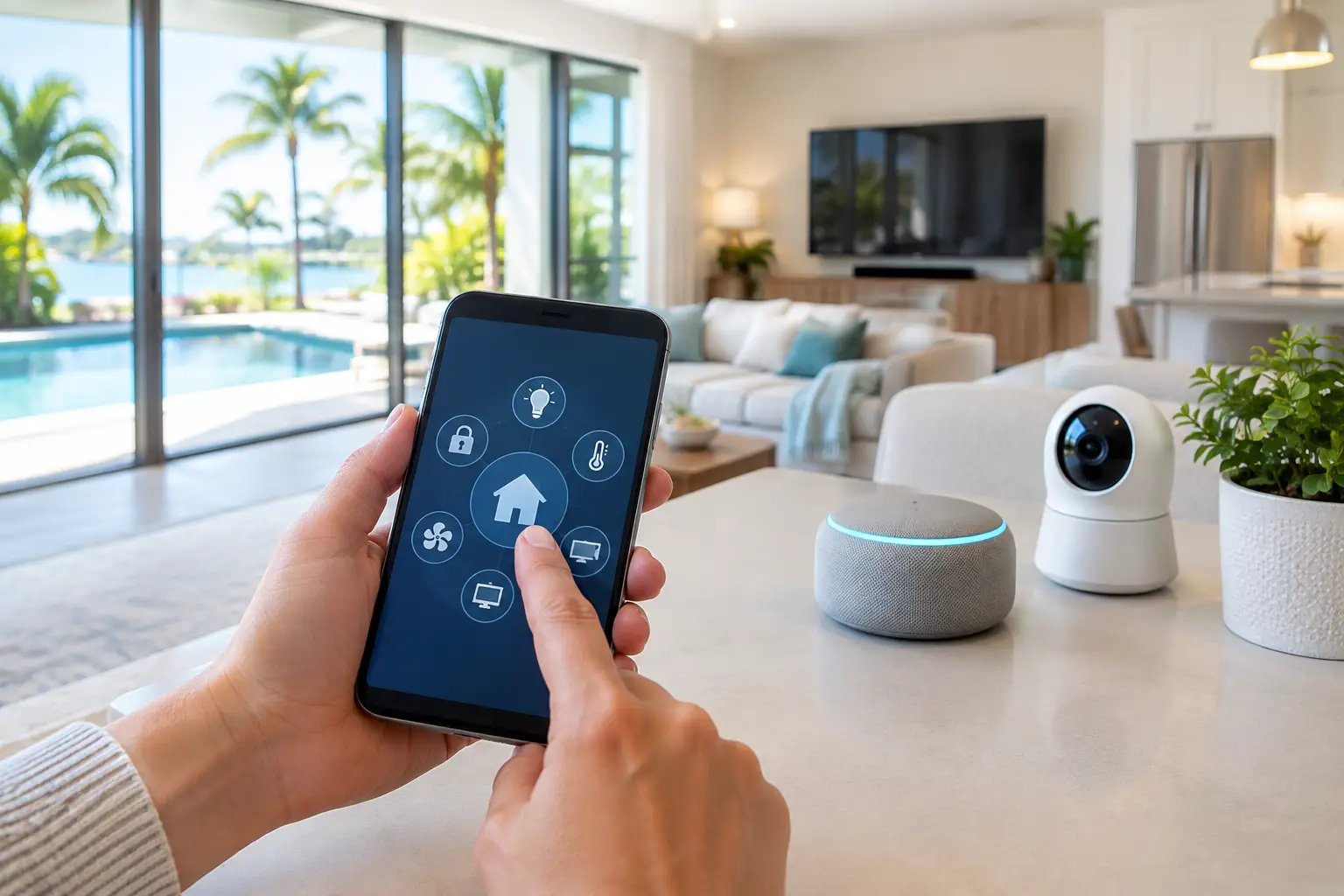
Smart Home Integration That Fits Your Florida Home
A Florida home can have a beautiful pool area, a new television, upgraded speakers, smart locks, and strong internet – yet still feel frustrating if every feature lives in a different app or remote. Smart home integration brings those individual upgrades together around the way your household actually lives. The goal is not to fill your home with gadgets. It is to make entertainment, comfort, connectivity, and security easier to enjoy.
For some homeowners, that means pressing one button to start movie night: the lights dim, the television turns on, and the sound system is ready. For others, it means reliable Wi-Fi in a home office, camera alerts that make sense, or music that follows the party from the kitchen to the patio. A professionally designed system turns those daily moments into simple routines instead of a series of small technical chores.
What Smart Home Integration Should Actually Do
The best smart homes do not announce themselves every time you walk into a room. They work quietly in the background and give you control when you want it. A well-planned system can bring audio, video, lighting, climate settings, shades, cameras, door locks, and network equipment into a single, intuitive experience.
That does not mean every device needs to be connected. A guest bedroom may only need reliable Wi-Fi and a straightforward TV setup, while a media room may deserve custom surround sound, hidden equipment, and programmed scenes. The right approach depends on your space, your habits, and which frustrations you want to eliminate first.
A professional installer starts with those questions rather than leading with a product list. How do you entertain? Where does the Wi-Fi drop out? Do you want TVs and speakers visible, recessed, or completely concealed? Is the outdoor area used for quiet evenings, game days, or both? Those answers shape a system that feels personal rather than overbuilt.
Start With the Foundation: Network and Wiring
Smart features are only as dependable as the network behind them. When cameras buffer, music cuts out, video calls freeze, or a control app takes too long to respond, the issue is often Wi-Fi coverage rather than the device itself.
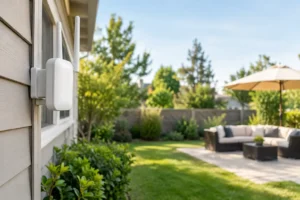
Florida homes can be especially challenging for wireless signals. Concrete block construction, large floor plans, detached garages, outdoor kitchens, and pool areas can all create weak spots. A properly designed Wi-Fi mesh network uses access points placed for coverage and capacity, not just whatever range the router claims on its box. That difference matters when a family is streaming in several rooms while security cameras, tablets, thermostats, and smart appliances are also connected.
Wiring still has a valuable role, even in a wireless home. Hardwired connections are often the best choice for fixed equipment such as televisions, theater components, access points, and cameras. They provide consistent performance and reduce strain on the wireless network. Planning wiring before a renovation, a new media room, or an outdoor upgrade also makes it easier to keep cables out of sight.
Clean installation is part of the experience. Equipment should not be surrounded by dangling cords, overloaded power strips, or visible cable runs that distract from the room. Concealed wiring, organized racks, and carefully placed outlets protect the look of the space while making future service much easier.
Build Entertainment Around How You Gather
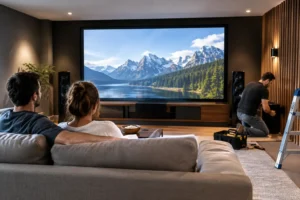
A smart home is often most noticeable when people come together. In a living room, that may mean a television mounted at the right viewing height with a soundbar or discreet speakers that make dialogue clear without overwhelming the room. In a dedicated theater or man cave, it may mean immersive surround sound, projector viewing, acoustic considerations, and simple control of every component.
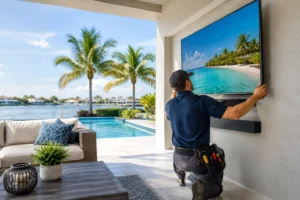
Multi-zone audio extends that convenience beyond one room. You can play the same playlist in the kitchen, living room, and lanai during a gathering, or let each zone play something different. The flexibility is useful, but speaker placement is what determines whether it sounds refined. Outdoor speakers need to cover the seating area evenly without blasting the neighbors. Indoor speakers should support the room without becoming a visual focal point unless that is the intended design.
Control is where integration earns its keep. Instead of juggling remotes for the TV, receiver, cable box, and streaming device, a programmed remote, wall keypad, or touchscreen can present only the commands you need. Good control design avoids clutter. Your family should not have to learn an equipment manual just to watch a show.
Add Security and Lighting With Purpose
Security cameras, video doorbells, smart locks, and exterior lighting can make a property easier to monitor, especially for homeowners who travel or manage a second home. But more notifications are not automatically better security. A thoughtful setup identifies the camera views that matter most, such as entry points, driveways, side yards, and pool gates, then configures alerts to reduce unnecessary activity notices.
Camera placement deserves professional attention. A camera mounted too high may miss faces. One pointed toward bright afternoon sun may produce poor images at the moments you need clarity. Network capacity, recording options, and nighttime coverage also need to be considered before equipment is installed.
Integrated lighting adds another practical layer. Landscape lighting can make walkways, patios, trees, and architectural details more inviting after sunset while improving visibility around the property. Scheduled scenes can turn selected lights on at dusk or create a welcoming arrival setting. Inside, lighting control can support movie viewing, bedtime routines, and energy-conscious habits without requiring a bank of switches on every wall.
There are trade-offs. Automated lighting should always leave room for easy manual control, and security settings need to respect privacy for family members, guests, and employees. Technology should feel helpful, not intrusive.
Choose One Control Experience, Not More Apps
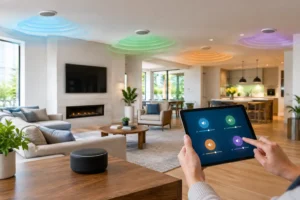
Most homeowners do not need another app on their phone. They need fewer decisions. The strongest smart home integration plans use a consistent control method across the features that matter most. That may include a handheld remote in the media room, keypads near common entrances, and a phone app for when you are away.
A scene-based setup is often more useful than individual device commands. “Good Morning” can raise selected shades, adjust lights, and start music in the kitchen. “Away” can turn off entertainment systems, lock designated doors, and set lighting behavior for the evening. “Pool Party” can activate outdoor audio and landscape lighting without changing the settings inside the home.
The key is restraint. If a routine has too many steps or affects rooms unexpectedly, people will stop using it. Start with a handful of routines that solve real problems, then add more only when they make life easier.
Plan for Change Before the Walls Close
Technology will change, and a smart home should be prepared for it. That does not mean buying every new device. It means installing infrastructure that allows your system to grow without tearing into finished walls later.
During construction or remodeling, this may include conduit for future cable runs, extra network locations, proper power behind wall-mounted displays, and accessible equipment locations. It also means selecting equipment that works well together and can be serviced without dismantling the room.
For an existing home, upgrades can be phased. Begin with the network if connectivity is unreliable. Add a television and audio upgrade where the family spends the most time. Then expand to outdoor entertainment, cameras, lighting, or whole-home control as priorities and budget allow. A phased plan often creates a better result than trying to solve every room at once.
Why Professional Design Makes the Difference
DIY products can be useful for a single light bulb or speaker, but whole-home performance depends on planning, programming, signal strength, placement, and finish work. Professional integration brings those details into one coordinated design. It also gives you a clear point of contact when something needs adjustment instead of several manufacturers pointing elsewhere.
For homeowners in Tampa Bay and nearby communities, Frequencies USA designs systems around real spaces and real routines, from polished media rooms to outdoor living areas that work as well for a quiet night as they do for a full house. The result should look intentional, operate simply, and feel worth using every day.
The best place to begin is not with a shopping cart. Walk through your home and notice the small moments that feel more complicated than they should: the room where Wi-Fi disappears, the television setup nobody enjoys using, the patio that goes quiet after dark, or the entryway that could feel more secure. Those are the moments where a well-designed system starts paying off.
 Previous Post
 Next Post