How to Fix WiFi Dead Zones at Home for Good
That spot by the pool where music cuts out, the upstairs bedroom where video calls freeze, or the garage where a security camera keeps dropping offline is not just a minor annoyance. It is a sign that your network was never designed to reach the way you actually use your home. Learning how to fix wifi dead zones at home starts with identifying whether the problem is distance, interference, poor equipment placement, or a network that has outgrown a single router.
For Florida homes with concrete block walls, large open entertaining areas, screened lanais, smart TVs, cameras, and dozens of connected devices, a stronger signal usually requires more than restarting the router. The right solution should deliver dependable coverage without cluttering your rooms with visible cables, extra hardware, or complicated controls.
Why WiFi Dead Zones Happen
A WiFi dead zone is an area where your device cannot maintain a stable connection. Sometimes the signal disappears completely. More often, it is technically connected but too weak for streaming, gaming, video calls, or reliable smart-home control.
Distance is the most obvious cause. WiFi signal weakens as it travels, especially when it must pass through walls, ceilings, cabinets, appliances, and furniture. In many Florida homes, concrete block construction, metal framing, tile, mirrors, and low-E glass can reduce wireless range much more than standard drywall.
Your router’s location also matters. A unit hidden in a closet, placed on the floor, or installed at one far end of the home has to fight its way through more obstacles. Even a high-quality router cannot deliver its best performance from a poor location.
Interference creates another common issue. Neighboring networks, wireless speakers, baby monitors, microwaves, Bluetooth devices, and older smart-home equipment can compete for the same airspace. A crowded network may seem fine early in the day, then struggle once the family starts streaming, gaming, working, and using connected devices at the same time.
Start With a Simple WiFi Coverage Check
Before buying new equipment, walk through your home with a phone or tablet and pay attention to where performance changes. Test the rooms where you use WiFi most, along with the patio, pool area, garage, guest suite, and any place where security cameras or smart devices need a steady connection.
Look for patterns. If WiFi is weak everywhere except the room with the router, the router may be underpowered, poorly placed, or outdated. If only one distant room has trouble, a targeted access point or mesh node may be enough. If the connection fails whenever several people are online, the issue could be your internet plan, router capacity, or both.
It also helps to distinguish between slow internet and weak WiFi. Run a speed test near the router, then repeat it in the problem area. Strong results near the router and poor results elsewhere point to a coverage problem. Slow results everywhere may mean the service coming into the home needs attention.
Improve Router Placement Before Replacing Anything
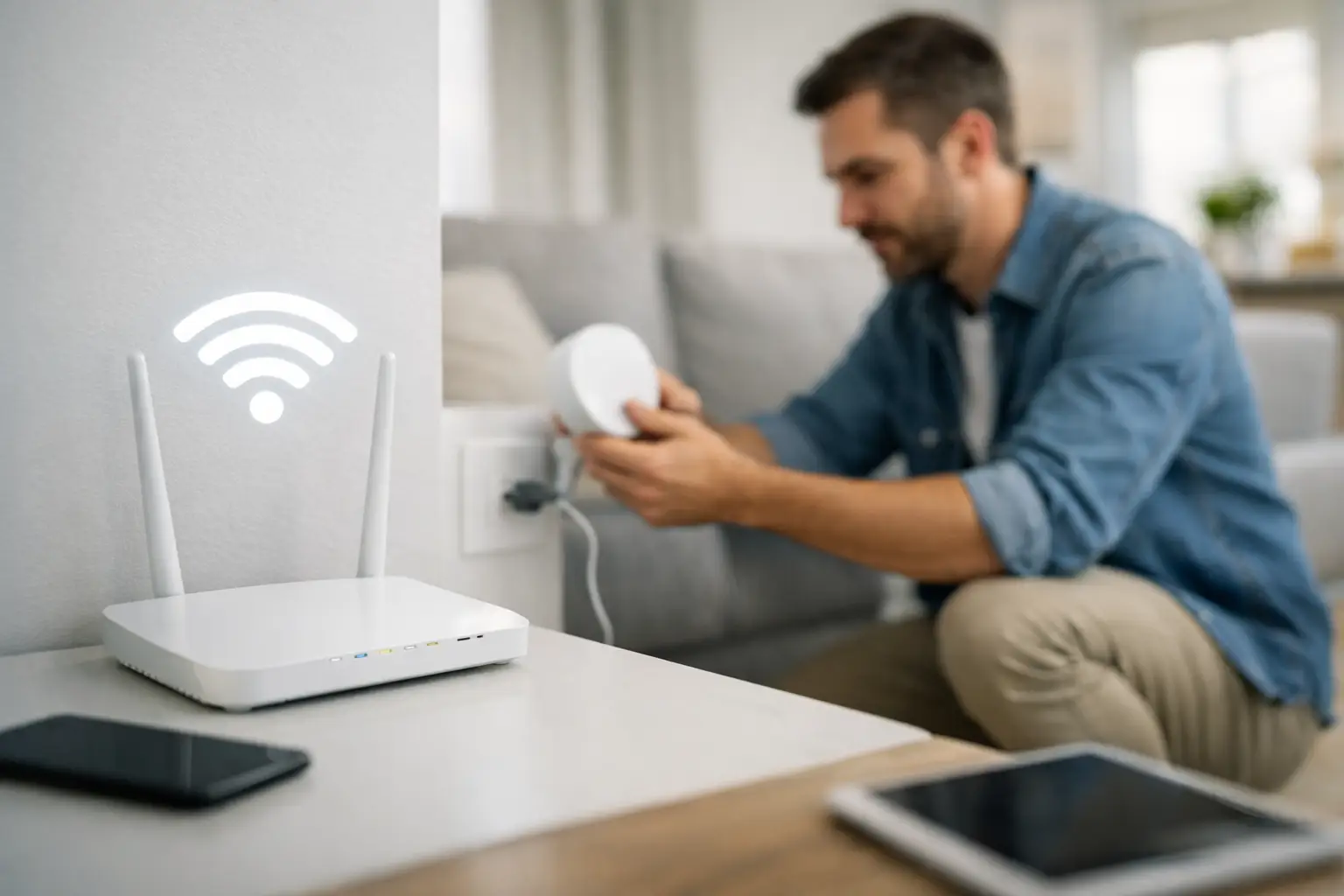
Moving the router can make a meaningful difference, particularly in smaller homes. Place it as close to the center of the living space as possible, ideally on an open shelf or mounted location rather than inside a cabinet. Keep it away from large metal objects, dense wiring panels, kitchen appliances, and aquarium tanks.
Height helps, too. WiFi spreads outward from the router, so placing it above floor level generally gives the signal a clearer path. Avoid hiding the unit behind a television or inside an entertainment console. Those locations may look tidy, but they can compromise the connection your streaming system depends on.
This fix has limits. If your modem enters the home in a far corner or utility closet, relocating the router may require new wiring. That is often worthwhile when clean, concealed cabling can put the network equipment where it performs best instead of where it happened to be installed years ago.
Choose the Right Fix for WiFi Dead Zones at Home
There is no single product that solves every coverage problem. The best approach depends on the home’s layout, construction, internet speed, number of devices, and the spaces that need reliable service.
A range extender can help with one small problem area
A wireless range extender receives your existing signal and retransmits it. It can be a practical, affordable choice for a small dead zone near the edge of coverage, such as a guest room or a lightly used office.
The trade-off is that extenders often reduce available speed and may create a separate network name. If the extender itself is placed in a weak-signal area, it has very little performance to repeat. It should sit between the router and the dead zone, where it still receives a solid connection.
A mesh system is better for larger living areas
A mesh WiFi system uses multiple coordinated units to cover the home under one network name. Your phone, laptop, and smart devices can move from room to room without manually switching networks. For multi-story homes, long floor plans, pool areas, and homes with multiple smart TVs, mesh can offer a major improvement over a single router.
Placement remains critical. A mesh node cannot create a strong signal from a weak one. Nodes need a reliable connection to the main router and should be spaced to overlap coverage, not placed only at the farthest possible corner.
Wired access points deliver the strongest long-term result
For high-performance homes, wired access points are often the best answer. Each access point is connected back to the network with Ethernet cabling, allowing it to provide full-strength WiFi in its assigned area rather than relaying a diminished wireless signal.
This approach is especially valuable for home theaters, gaming rooms, detached garages, outdoor entertainment spaces, and properties with concrete walls. It is also ideal when you want WiFi to support security cameras, multi-zone audio, smart lighting, and everyday devices at the same time.
A professionally planned system can place low-profile access points in discreet ceiling or wall locations, with wiring concealed behind finished surfaces. The result is stronger coverage and a cleaner look than a collection of plug-in extenders scattered around the house.
Do Not Overlook Your Network Hardware
An older router may still connect devices, but that does not mean it is keeping up with your household. Modern homes can easily have 30, 50, or more connected devices once phones, TVs, thermostats, cameras, speakers, appliances, and tablets are counted.
If your router is several years old, it may lack the capacity to manage heavy traffic efficiently. Newer WiFi standards can improve device handling, speed, and range, particularly when several users are active at once. However, upgrading to a new router alone will not overcome thick walls or a poor installation location.
The wired side of the network deserves attention as well. A proper router, network switch, cabling plan, and backup power strategy make a difference in homes that rely on connected entertainment and security. When the network is the foundation for the rest of your technology, it should be designed with the same care as the theater or audio system it supports.
Get Better Results From the Network You Have
A few adjustments can improve performance while you plan a permanent coverage solution. Update your router firmware, use a strong password, and remove unknown devices from the network. If your equipment allows it, separate smart-home devices from phones and computers on a guest or dedicated network. This can reduce congestion and improve security.
You may also see better results by using the right band for the task. The 2.4 GHz band reaches farther and passes through obstacles more easily, but it is often more crowded and slower. The 5 GHz band generally provides faster speeds at shorter distances. Newer systems may also use 6 GHz for compatible devices, though its range is typically shorter and it benefits from well-placed access points.
For stationary equipment, a wired Ethernet connection is still the most dependable choice. A smart TV, gaming console, media server, or desktop computer with an Ethernet connection frees up wireless capacity for devices that truly need WiFi.
When Professional Design Makes Sense
A DIY mesh kit can be a good fit for a straightforward home with a few weak rooms. But if coverage problems involve concrete walls, multiple floors, outdoor zones, detached spaces, or a growing collection of connected technology, professional design saves time and prevents costly trial and error.
Frequencies USA can assess the layout, construction, device demands, and future plans for your home, then build a WiFi solution around how you live. That may include a mesh network, wired access points, concealed cabling, equipment organization, and reliable coverage for indoor and outdoor entertainment areas.
The goal is not simply to make the signal bars look better. It is to let a movie play without buffering, keep a camera online when you are away, make poolside music easy to control, and give every member of the household a connection they do not have to think about. Start with the rooms that matter most, then choose a solution that will still feel capable as your home gets smarter.
 Previous Post
 Next Post