7 Essential Office AV Upgrades Worth Making
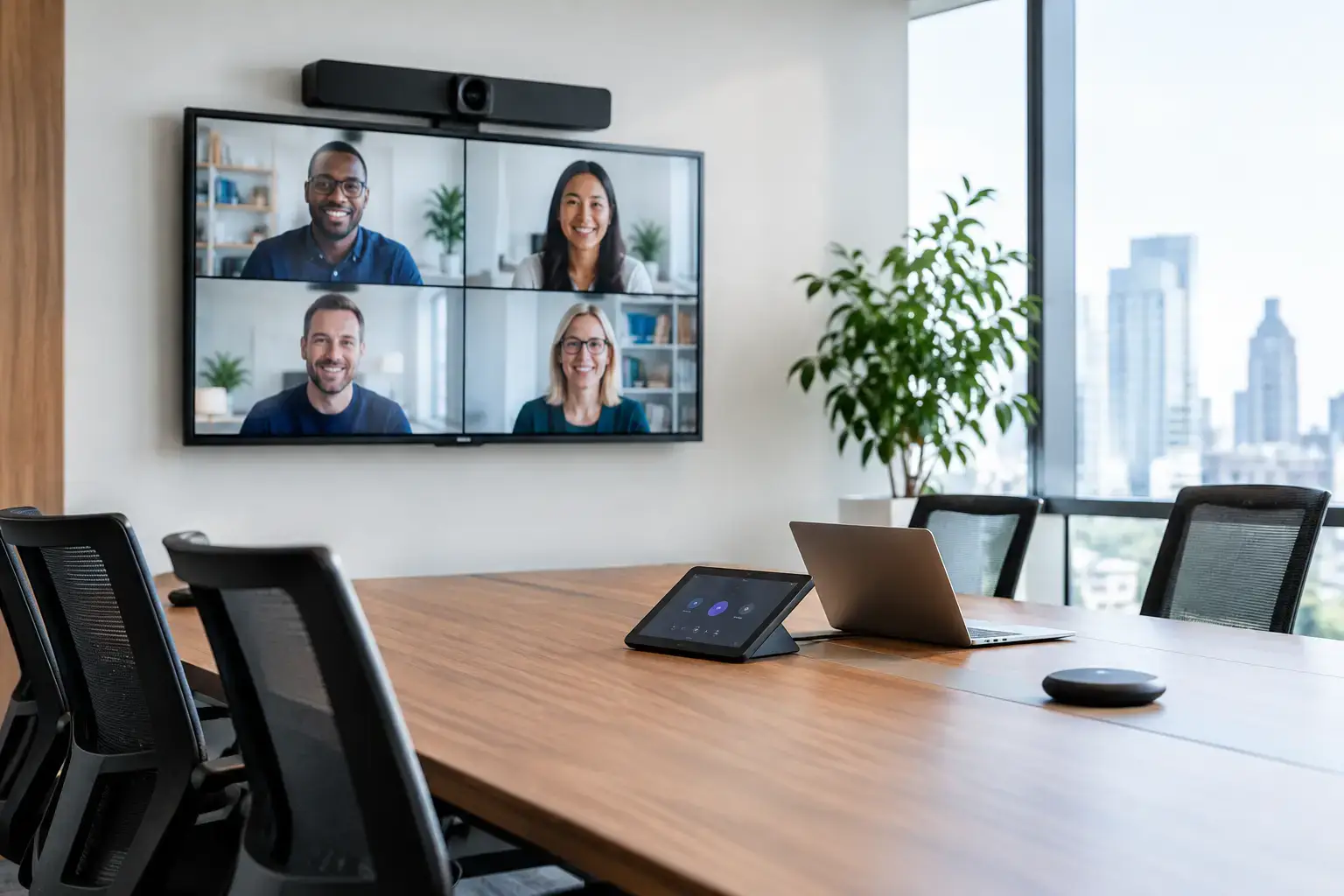
A conference room can have the right table, comfortable chairs, and a polished finish, yet still frustrate everyone in it when the screen is too small, voices echo, and connecting a laptop takes five minutes. Essential office AV upgrades solve those daily friction points. The goal is not to fill a workplace with more technology. It is to create meeting spaces that are easy to use, look professional, and help people communicate clearly.
For Florida businesses, this often means designing around bright windows, open layouts, mixed in-person and remote teams, and spaces that need to serve more than one purpose. A thoughtful AV plan makes those realities manageable without leaving visible cables, mismatched equipment, or confusing remotes behind.
Start With the Meeting Experience
The best office AV investment depends on how your team actually works. A five-person huddle room has different needs than a boardroom, training area, reception space, or restaurant private-event room. Before choosing equipment, consider what tends to go wrong now.
Do remote attendees struggle to hear the people at the far end of the table? Does the presenter spend the first few minutes troubleshooting screen sharing? Is a large room relying on a small television with built-in speakers? These are not minor inconveniences. They affect participation, meeting length, and how professionally your business is perceived by clients and partners.
A practical system should work for the least technical person in the room. If starting a video call requires several remotes, loose adapters, and instructions taped to the wall, the design is doing too much work for the user. The most effective upgrades simplify the process into a few dependable actions: walk in, connect, present, and be heard.
Essential Office AV Upgrades for Better Meetings
1. A properly sized commercial display
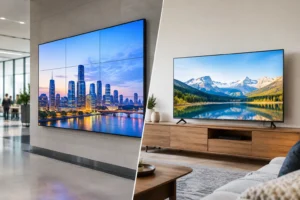
A display is often the first upgrade businesses consider, but size and placement matter more than simply buying the largest screen available. A screen that looks impressive on a showroom wall may still be too small for a long conference table. Participants should be able to read spreadsheets, video-call names, and presentation details without leaning forward.
Commercial displays are built for business use and can offer brighter images, longer operating hours, and more flexible installation options than consumer televisions. They are particularly useful in reception areas, training rooms, and spaces with a lot of ambient light. In sun-filled Florida offices, brightness and glare control deserve special attention. Sometimes the smarter choice is adjusting display placement or adding window treatments rather than overspending on screen size.
2. Camera framing that includes the whole room
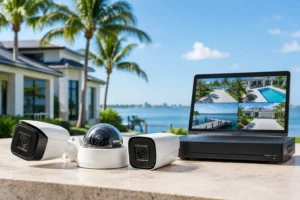
Remote participants should not feel like they are watching a meeting from the back corner. A quality conferencing camera creates a more natural connection by capturing everyone clearly, especially in rooms where clients, leadership teams, or outside vendors meet.
For smaller rooms, a wide-angle camera may be enough. Larger spaces may benefit from a pan-tilt-zoom camera that can frame the speaker, cover a whiteboard, or show the full table when needed. Auto-framing features can be helpful, but they are not automatically the right answer. In an active training room, frequent camera movement can be distracting. The right setup depends on how people use the space, not a feature checklist.
3. Microphones and speakers designed for the room
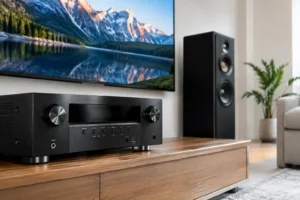
Clear audio matters more than perfect video. People will tolerate a slightly soft picture, but they will disengage quickly when speech is muffled, distant, or interrupted by echo. Built-in display speakers may work for a very small office, but they rarely provide the coverage or clarity needed for a conference room.
A well-designed audio system uses microphones that pick up natural conversation and speakers placed to distribute sound evenly. Ceiling microphones and ceiling speakers can keep a room visually clean, while tabletop devices can be a practical fit when flexibility is the priority. Acoustic treatment may also be worthwhile in glass-heavy rooms, open offices, or spaces with hard flooring. Better equipment cannot fully compensate for a room that throws sound around.
4. Simple wired and wireless presentation sharing
Every meeting should have a dependable way to share content. Wireless presentation systems are convenient for teams moving between laptops and mobile devices, and they reduce the need for adapters across the conference table. They work especially well in huddle rooms, collaborative spaces, and client-facing conference rooms.
Still, wireless should not be the only option. A wired connection provides a reliable backup for guests, high-resolution content, or situations where a company device has limited permissions. A professional installation can place both options exactly where people need them, with cable management that preserves the room’s finished appearance.
The details matter here. A connection point that is hidden behind furniture will not be used. A cable stretched across the floor becomes a distraction and a safety concern. Clean access is part of usability.
5. One-touch control for the room
A conference room can quickly become cluttered with remotes for the display, camera, audio system, and lighting. Centralized control replaces that collection with one intuitive interface, whether it is a wall keypad, tabletop touch panel, or simple app-based control.
With the right programming, one button can power on the display, set the correct input, bring up the camera, and adjust the room for a presentation. This is where office AV becomes easier to live with. Staff should be focused on the client conversation or the training session, not figuring out which input was used last.
Control can also include lighting and motorized shades when the room needs them. For example, lowering glare during a video presentation can be handled as part of a preset rather than a manual scramble. The trade-off is that more automation requires careful planning and professional setup. A system should feel simple because the design behind it is thoughtful, not because useful functions were left out.
6. Reliable network infrastructure behind the scenes
Video calls, cloud presentations, wireless sharing, and digital signage all depend on the network. If Wi-Fi drops in the meeting room or the connection slows when several employees join calls at once, even premium AV equipment will feel unreliable.
Network coverage deserves an assessment before major AV upgrades are installed. Access point placement, network capacity, device segmentation, and hardwired connections for fixed equipment can all affect performance. A conferencing system connected by Ethernet is generally more consistent than one relying solely on a crowded wireless signal.
This is especially relevant in offices that have expanded over time. A network designed for a few laptops may not be ready for video conferencing hardware, security cameras, smart displays, and dozens of mobile devices. Improving connectivity before problems become visible protects the larger AV investment.
7. Digital signage where information needs to move
Digital signage is not only for large retail locations. A reception display can welcome visitors, share company news, or highlight services. In an employee area, it can communicate schedules, safety notices, sales updates, and training reminders without relying on printed materials.
The key is keeping the content useful. A screen that repeats outdated announcements becomes background noise. Plan who will update it, how often, and what viewers need to know in that specific location. For some businesses, one well-positioned display is more effective than a network of screens with no clear purpose.
Design for a Polished Office, Not a Tangle of Equipment
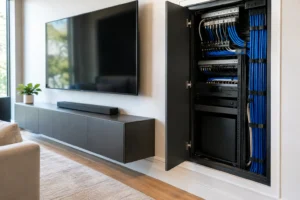
The most visible sign of an incomplete AV installation is cable clutter. Loose cords, exposed power strips, wall-mounted screens with dangling wires, and equipment stacked in a cabinet all take away from an otherwise professional workspace. They also make maintenance harder when something needs to be serviced.
A custom installation conceals wiring wherever possible and organizes equipment in a way that supports ventilation, access, and future changes. That does not mean every component must be hidden beyond reach. It means the system is planned so employees see a clean room while technicians can service the equipment without tearing into finished walls.
Frequencies USA designs office AV systems around both performance and presentation. Whether the project involves a single upgraded conference room or multiple connected spaces, the finished result should feel like part of the office, not an assortment of devices added over time.
Upgrade in the Right Order
Not every business needs to replace everything at once. If budget is a concern, start with the problems employees and clients notice most. For many offices, that means audio and video conferencing first, followed by presentation sharing and simplified control. Network improvements may need to come earlier if connection issues are already affecting work.
A site evaluation helps identify what can be integrated and what is limiting the system. Existing displays, speakers, or cabling may still have value. Other components may create compatibility problems or cost more to work around than to replace. The right answer is based on the room, the workflow, and the level of reliability your business needs.
A well-planned AV upgrade should make the office feel easier from the first meeting onward. When employees can walk into a room, share a screen, hear every voice, and finish on time, the technology has done its job. A free professional estimate is a practical first step toward building that kind of workspace.
 Previous Post